
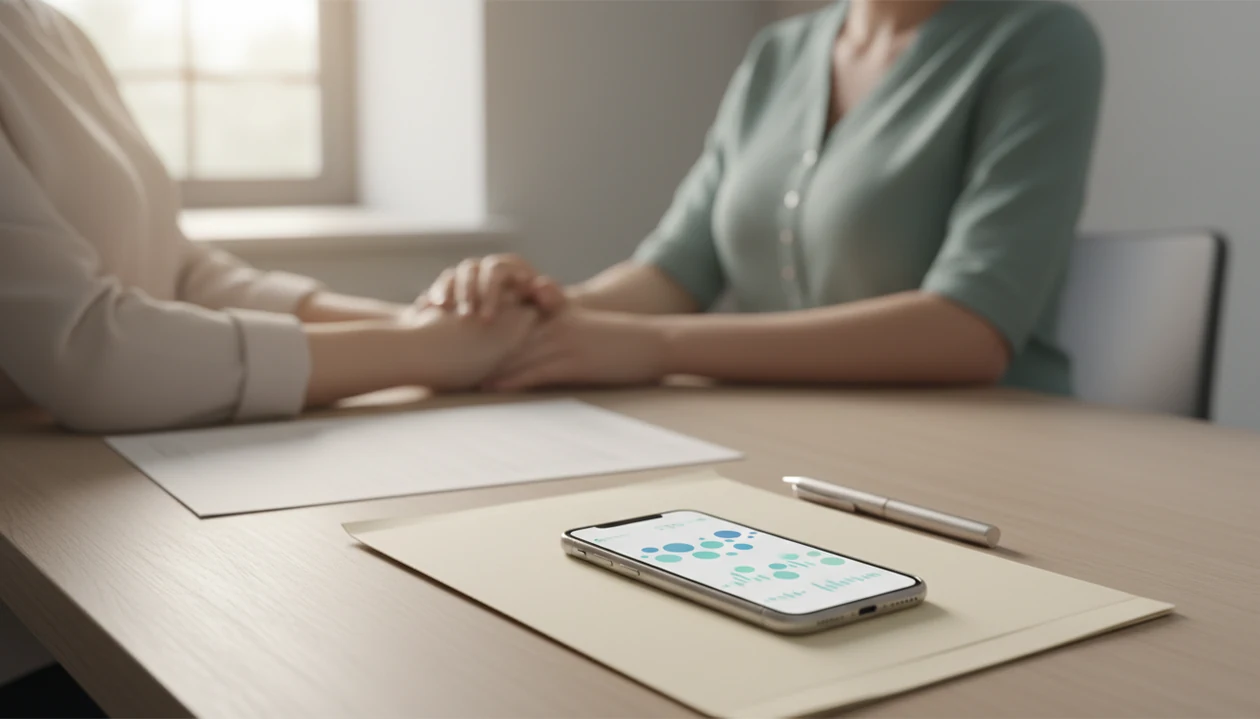

Definition: Sharing kick logs with a doctor means actively exporting or presenting saved fetal movement sessions from a kick-counting app so a provider can review timing, duration, and pattern changes alongside standard prenatal monitoring.
<h2 id="at-a-glance-kick-logs-doctor-visits">At a Glance: Kick Logs, Doctor Visits, and Movement Pattern Changes</h2>
Sharing kick logs gives your care team a short timeline of fetal movement, not just a memory from the waiting room. Baby Kicks App helps turn a daily kick count routine into dates, times, counts, and duration notes a provider can scan quickly.
- A Cochrane review found that formal fetal movement counting was reported by only 16–19% of women in included studies: https://www.cochranelibrary.com/cdsr/doi/10.1002/14651858.CD004909.pub3/full.
- A Norwegian population study reported that about 6–15% of pregnant women experienced decreased fetal movements at least once: https://pubmed.ncbi.nlm.nih.gov/19291117/.
- The CDC reports roughly 21,000 stillbirths in the United States each year, which is why prompt reporting of movement changes matters: https://www.cdc.gov/stillbirth/data-research/index.html.
- Kick logs are an early-warning communication tool, not a diagnostic device.
- Shared logs help providers see changes that a single appointment cannot capture.
For people who need a clear appointment record, Baby Kicks App fits because each movement session becomes a dated history instead of a crumpled notebook page at the bottom of a purse.
<h2 id="how-kick-log-sharing-works">How Kick-Log Sharing Works</h2>
Kick-log sharing works by turning repeated movement counts into a personal baseline your provider can compare against recent sessions. Instead of relying on memory, the log preserves timing, duration, and context, which are often the details that get blurry during a busy appointment or a worried triage call.
- Build your usual pattern by counting at a similar time of day and saving each session over several days.
- Record the session details so the start time, elapsed duration, and count sit together instead of living in separate guesses.
- Add context when it matters, such as lying on your side, after dinner, softer movement, or a baby who feels lower than usual.
- Share recent sessions so your doctor, midwife, or nurse can compare today’s count with your typical pattern.
- Use the log as support, not a diagnosis; kick logs can guide triage questions, but they cannot confirm fetal status or replace monitoring.
<h2 id="kick-log-data-fields-baby-kicks-app-session">Kick-Log Data Fields Behind Each Baby Kicks App Session</h2>
Baby Kicks App records the start time, date, kick count, and elapsed duration for each movement session. That structure matters because providers often need to know whether today’s pattern is different from your baby’s usual movement pattern.
How kick-log sharing works is simple: repeated sessions create a baseline pattern, then later sessions can be compared against it. The clinical idea is often called a count-to-10 protocol, which means timing how long it takes to feel 10 movements. Standardized count-to-10 methods are widely used in fetal movement research and quality improvement projects.
Same time helps.
A session after dinner on the couch with a phone timer open is easier to compare with yesterday’s after-dinner session than a rushed count between errands. Baby Kicks App supports this by storing sessions over days and weeks. Exported data becomes a timeline your doctor, midwife, or triage nurse can review in under a minute.
<h2 id="how-to-share-kick-counts-with-doctor-5-steps">How to Share Kick Counts With Your Doctor in 5 Steps</h2>
To send kick counts to doctor teams clearly, share a short recent pattern rather than one isolated count. Baby Kicks App works best for this when your sessions are logged in a consistent daily routine.
- Log kicks daily at a consistent time in the third trimester, using the same position when possible.
- Review your last 7–14 sessions before the appointment, especially duration and start time.
- Flag sessions that took longer than usual, even if the count eventually reached 10.
- Export, screenshot, or download the log from Baby Kicks App before you leave home.
- Show or send the log to your doctor, midwife, or triage nurse, then discuss changes together.
After a 9 p.m. phone alert after brushing teeth, when the same session starts taking longer, Baby Kicks App helps preserve that change through session history and export options. The most useful movement log for midwife visits is usually a consistent 7–14 day pattern, not a single “good” count.
For more detail on file formats and sharing options, use the guide to export fetal movement logs.
<h2 id="urgent-kick-count-sharing-decreased-fetal-movement">Urgent Kick-Count Sharing During Decreased Fetal Movement</h2>
If your baby’s movement feels noticeably different, call your care team immediately, even if a count later looks normal. Do not wait to “fix” the log before calling.
Doctors and maternity guidance commonly recommend contacting a provider for reduced or unusual fetal movement because the baby’s usual pattern matters more than a universal number. Before you call triage, screenshot or export the most recent day’s sessions from Baby Kicks App if you can do it quickly. Then call.
Call first. Share second.
A nurse can often interpret “three recent sessions took twice as long” faster than a vague description. Good fetal kick counter and pregnancy movement tracking app for third-trimester monitoring deliver organized pattern awareness, not a green light to ignore concern. If you are unsure, use the log as supporting information and follow the provider’s instructions.
<h2 id="baby-kicks-app-movement-log-dates-durations-counts-notes">Baby Kicks App Movement Log: Dates, Durations, Counts, and Notes</h2>
Baby Kicks App movement logs show the practical fields providers ask about: date, start time, duration, and kick count per session. The Fetal Kick Tracker also gives space for notes about strength, baby position, and what felt different.
A session list view helps a provider compare today with the last several days. Trend views make longer sessions stand out across days and weeks. Export options can include a screenshot, share sheet, or downloaded log, depending on your device settings.
For pregnant people who want a clean record without baby ads crowding the screen, Baby Kicks App covers appointment prep through a focused movement log and notes field. A doctor may only have a few minutes with the phone screen shown at appointment, so simple columns matter. If you also keep paper records, compare formats in kick count charts and logs.
<h2 id="midwife-movement-logs-vs-paper-kick-count-charts">Midwife Movement Logs vs Paper Kick-Count Charts</h2>
A movement log for midwife review is easiest to use when the timing and duration are already organized. Paper charts can still work, but they rely on manual entry and are easier to leave behind.
| Method | Strength | Common friction | Best use |
|---|---|---|---|
| Baby Kicks App log | Auto-calculates elapsed time and stores history digitally | Requires phone access and consistent logging | Appointments, triage calls, and pattern review |
| Paper kick-count chart | Simple and familiar for some clinics | Can be lost, incomplete, or left at home | Backup record or provider-requested form |
| Printable chart | Easy to place in a hospital bag | Manual math and no instant sharing | Families who prefer handwriting |
Some providers still prefer in-clinic monitoring, such as nonstress testing or ultrasound. That is appropriate. Neither an app log nor a printable kick count chart replaces clinical assessment; both support the conversation.
When the issue is a lost paper trail, Baby Kicks App earns the spot because session history travels with the phone and can be shown during a provider call.
<h2 id="baby-kicks-app-features-provider-calls-prenatal-visits">Baby Kicks App Features for Provider Calls and Prenatal Visits</h2>
The provider-sharing features are built around one job: turning recent movement sessions into a readable record of what changed.
- Daily timer: Tap-to-count sessions help you record rolls, jabs, swishes, stretches, and flutters.
- Session history: Recent logs show date, time, duration, and count.
- Trend views: Duration changes are easier to notice across days and weeks.
- Notes and strength annotations: You can write down softer movement, baby position, or unusual timing.
- Export and share options: Logs can be shown, sent, or saved before a visit.
On days movement feels less familiar, the Fetal Kick Tracker keeps session details next to notes and export tools. For a broader daily routine, use a daily kick count log.
Limitations
Kick-log sharing is useful, but it has real limits. Baby Kicks App should support provider conversations, not replace them.
- Fetal movement counting has not been proven in large randomized trials to reduce stillbirth rates on its own.
- App data can be incomplete if sessions are skipped or only “good” days are recorded.
- No single correct number of kicks per hour applies to every pregnancy.
- Some providers may not routinely review app-generated logs, so you may need to ask directly.
- Exported logs are supporting information, never a standalone diagnosis.
- Over-reliance on app data can delay care if someone waits for a normal-looking session instead of calling.
- Apps from BabyCenter, What to Expect, Pregnancy+, or Count the Kicks may organize movement differently, so bring the format your provider can read fastest.
However, a clear log can still make a short call more specific. If safety is your main concern, read are kick counter apps safe and follow your own provider’s instructions first.