
Are Kick Counter Apps Safe To Use In Pregnancy?
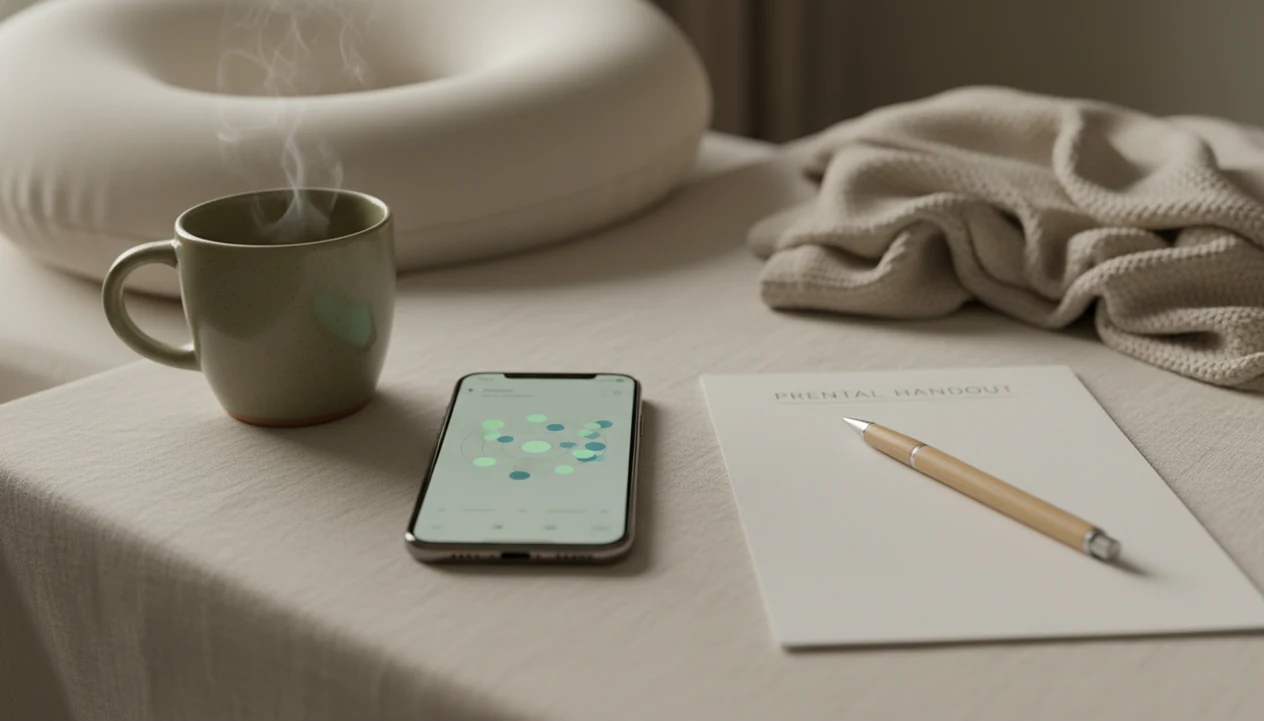
If you’re wondering “are kick counter apps safe,” the answer is generally yes when the app is used as a tracking tool, not as a diagnosis or substitute for care. A kick counter app does not touch the baby or change the pregnancy; the main safety issue is whether it helps you notice movement changes and call your provider promptly.
This page is general educational information about kick counter app safety, not medical advice. If you notice decreased, unusual, or concerning fetal movement, contact your healthcare provider or local triage service immediately.
A kick counter app can help pregnant people count kicks, track movement patterns, and prepare clearer details for a provider call.
- Kick counter apps are generally safe because they log movements you already feel; they do not physically interact with the fetus.
- The safest use is daily, consistent tracking in the third trimester while following your provider’s instructions.
- Call your healthcare provider immediately for decreased, unusual, or concerning movement, even if the app has not shown an alert.
Kick Counter App Safety At A Glance
Kick counter apps are safe as logging tools because they record movements the pregnant person already feels. They are not fetal monitors, ultrasounds, diagnostic tests, or medical devices that can confirm fetal wellbeing.
The risk is behavioral, not physical. If an app makes someone wait instead of calling about decreased or unusual movement, it has become unsafe in practice. Clinicians typically recommend using fetal movement counting as a third-trimester awareness routine, with prompt contact when the usual movement pattern changes.
Provider guidance should always override app defaults. If your midwife says to call after a specific change, follow that instruction, even if the app screen looks routine.
The phone is only the notebook.
Fetal Movement App Data Flow
A fetal movement app works by turning felt movements into a dated, timed log; it does not measure the fetus directly. The data flow is simple: you feel a roll, jab, swish, stretch, or flutter, tap the app, and the app timestamps that movement inside a movement session.
Over days or weeks, the log supports pattern recognition. That means you can compare today’s session with your baby’s usual movement pattern instead of relying on memory. A crumpled notebook page at the bottom of a purse can work, but it is easy to lose right before an appointment.
Clinical monitoring is different. Ultrasound, non-stress tests, and triage assessments use clinical equipment and interpretation by trained staff. An app helps lower the memory burden and organize what changed, which can make the call to a care team clearer.
A good fetal kick counter and pregnancy movement tracking app for third-trimester monitoring delivers organized logs and practical prompts, not a diagnosis or proof that everything is fine.
5 Kick Counter App Safety Facts
- Kick counter apps only log fetal movements the pregnant person feels; they do not touch, scan, stimulate, or monitor the fetus.
- Fetal movement counting is a clinician-supported third-trimester practice, and an app is a digital version of a paper chart plus timer.
- Decreased, unusual, or concerning movement should prompt immediate provider contact, even if the app has not warned you.
- Ten movements within about 1 to 2 hours is a common benchmark, but your baby’s usual movement pattern matters more than one isolated number.
- Apps supplement prenatal care; they do not replace visits, ultrasounds, non-stress tests, emergency assessment, or your provider’s instructions.
For most pregnant people, a simple log at the same time each day is easier than memory alone because movement patterns blur across busy days.
Provider Guidance Behind Kick Counter App Safety
Do providers recommend kick counting during pregnancy? In a 2024 U.S. survey, around 77.6% of pregnant people reported that their provider recommended monitoring fetal movements, often called kick counts, during pregnancy source.
ACOG describes fetal movement or kick counts as one method used in outpatient antenatal fetal surveillance, commonly summarized as timing how long it takes to feel 10 movements in the third trimester, generally expecting that within about 2 hours source. Cleveland Clinic also notes that decreased fetal movement can be an early warning sign of pregnancy problems source.
That does not mean every person receives the same plan. High-risk pregnancy monitoring, twins, placenta position, and prior pregnancy history can change instructions. The safest app use is the one that matches your own clinician’s directions, not a generic setting you picked at setup. More background sits in our kick counting evidence summary.
Medical Safety Sources And Review Standards
This safety guidance is based on mainstream pregnancy movement sources, not app marketing claims. It uses ACOG guidance, Cleveland Clinic patient education, and peer-reviewed research as the main source types for statements about kick counting and fetal movement awareness.
This page has not been reviewed by a clinician as a personalized care plan for your pregnancy. It is written as general education, with a narrow claim boundary: a kick counter app can support logging and clearer provider conversations, but it cannot diagnose, monitor, reassure, or rule out a problem.
When movement guidance changes, the review standard is practical and cautious:
- Check major clinical guidance sources for new recommendations about fetal movement or antenatal surveillance.
- Compare patient-facing medical education updates with peer-reviewed research and current provider practice.
- Revise app-safety language when the change affects when to count, when to call, or what an app should not claim.
- Keep provider instructions above generic benchmarks, including “10 movements” defaults or any app reminder setting.
If your clinician gives you a different plan, use that plan first.
Safe Kick Counter App Features
Responsible kick counter app safety comes from plain instructions, cautious claims, and usable records. The safest tools make it easy to count, but harder to ignore a concern.
- Provider-first guidance: The app should clearly say to contact a provider for decreased, unusual, or concerning movement.
- Timestamped movement sessions: A session history helps you explain dates, times, and changes without guessing from memory.
- No diagnostic promises: The app should not claim to detect fetal distress, placental problems, or pregnancy complications.
- Privacy-conscious data handling: Pregnancy and health-related information deserves clear data practices, especially around sharing and storage. We explain this more in kick counter app privacy.
- Support partner usability: A partner can help start the timer or read the care plan page with highlighted times, but they cannot replace the pregnant person’s symptoms or instincts.
A Fetal Kick Tracker fits best when they stay in that narrow role: counting, logging, and prompting timely care conversations.
Kick Counter App Safety Gaps
Kick counter apps cannot confirm fetal wellbeing. They also cannot rule out complications, identify why movement changed, or decide whether a baby is asleep or in distress.
That gap matters. A reassuring-looking history screen may show that you logged movements yesterday, but it cannot evaluate today’s concern. It cannot replace triage, emergency assessment, ultrasounds, non-stress tests, or prenatal visits. It also cannot override the feeling that something is different.
The most common medically supported way to use kick counts is daily movement awareness combined with prompt reporting of changes.
If your provider’s instruction says to call, call. Do not wait to complete a session, repeat a count, or see whether an app alert appears later. The human judgment step is not optional. Our medical disclaimer explains that boundary in plain language.
Common Myths About Fetal Movement App Safety
- Myth: The app can physically affect the baby. It cannot; it records taps after you feel movement and does not interact with the fetus.
- Myth: Reaching 10 kicks means everything is definitely fine. Ten movements is a benchmark, not a guarantee, and sudden changes still deserve a call.
- Myth: Kick counting is only an app gimmick. Fetal movement counting existed before apps; the app just replaces a chart, clock, or phone timer.
- Myth: Not reaching 10 movements in one hour always means an emergency. Some babies need more time, but you should follow your provider’s instructions about when to call.
- Myth: More tracking is always safer. Over-checking can raise anxiety and make normal quiet periods feel alarming.
A 9 p.m. phone alert after brushing teeth can help build consistency. Constant checking at random times may not.
Provider Calls While Using A Kick Counter App
When should you call your provider while using a kick counter app? Call immediately for decreased movement, a sudden change from your baby’s usual pattern, or any strong concern.
Do not wait for the next scheduled tracking session if movement feels wrong. Do not rely on an app alert as the only reason to call. Your healthcare team may have a specific emergency contact pathway, labor and delivery triage number, or local emergency advice. Use that plan.
A Fetal Kick Tracker can support the conversation by giving you dates, times, session lengths, and recent patterns. That can be useful when a midwife asks, “What changed from normal?” Still, the app is only the log. The care team decides what assessment is needed. Questions about regulation are separate from safety, and we cover that in are kick counter apps FDA approved.
Limitations
Kick counter apps have real limits, even when they are designed responsibly.
- They cannot diagnose fetal distress, placental problems, cord issues, growth problems, or any pregnancy complication.
- They cannot rule out a problem after a normal-looking count.
- Evidence directly comparing individual kick counter apps is limited, so safety depends heavily on claims, instructions, and user behavior.
- Provider instructions may differ from app defaults, especially for high-risk pregnancies or twins.
- Over-monitoring can increase anxiety for some users, particularly when checking happens many times a day.
- Privacy, offline access, data sharing, and emergency messaging vary by app.
- Movement patterns can be affected by fetal sleep cycles, placenta position, gestational age, medications, and other clinical factors.
- The safest app use still depends on prompt human judgment and access to a provider or triage service.
If you use a Fetal Kick Tracker, keep the folded kick count handout from your care team too. App logs are helpful, but local instructions come first.
FAQ
Are kick counter apps safe?
Yes, kick counter apps are generally safe as logging tools when used alongside provider guidance. They should not be used to diagnose problems or delay care.
Can kick counter apps harm my baby?
No, kick counter apps do not physically interact with the fetus or change the pregnancy. They only record movements you report feeling.
Do doctors recommend kick counting?
Many clinicians recommend third-trimester fetal movement counting as a way to notice changes in the baby’s usual movement pattern. Follow your own provider’s timeline and method.
Are fetal movement apps accurate?
Fetal movement apps are only as accurate as the movements the user logs. They cannot measure the fetus directly or confirm wellbeing.
When should I start counting kicks?
Many people are told to start regular kick counts in the third trimester, often around 28 weeks. Ask your provider when to begin for your pregnancy.
What counts as a kick?
A kick can include felt movements such as kicks, rolls, jabs, swishes, stretches, or flutters. Use your provider’s instructions for what to count.
Is 10 kicks enough?
Ten movements within about 1 to 2 hours is a common benchmark, but it is not a guarantee that everything is fine. Call your provider for decreased or unusual movement.
Should I call my provider if I feel fewer kicks than usual?
Yes, contact your provider promptly if you feel fewer movements than usual or notice a concerning change. Do not wait for any app to alert you.
Can an app replace fetal monitoring?
No, an app cannot replace prenatal visits, ultrasounds, non-stress tests, triage, or emergency assessment. It can only support a movement log.
Are kick counter apps private?
Privacy varies by app, so review data practices before logging pregnancy information. Users should still treat fetal movement data as sensitive health-related information.