
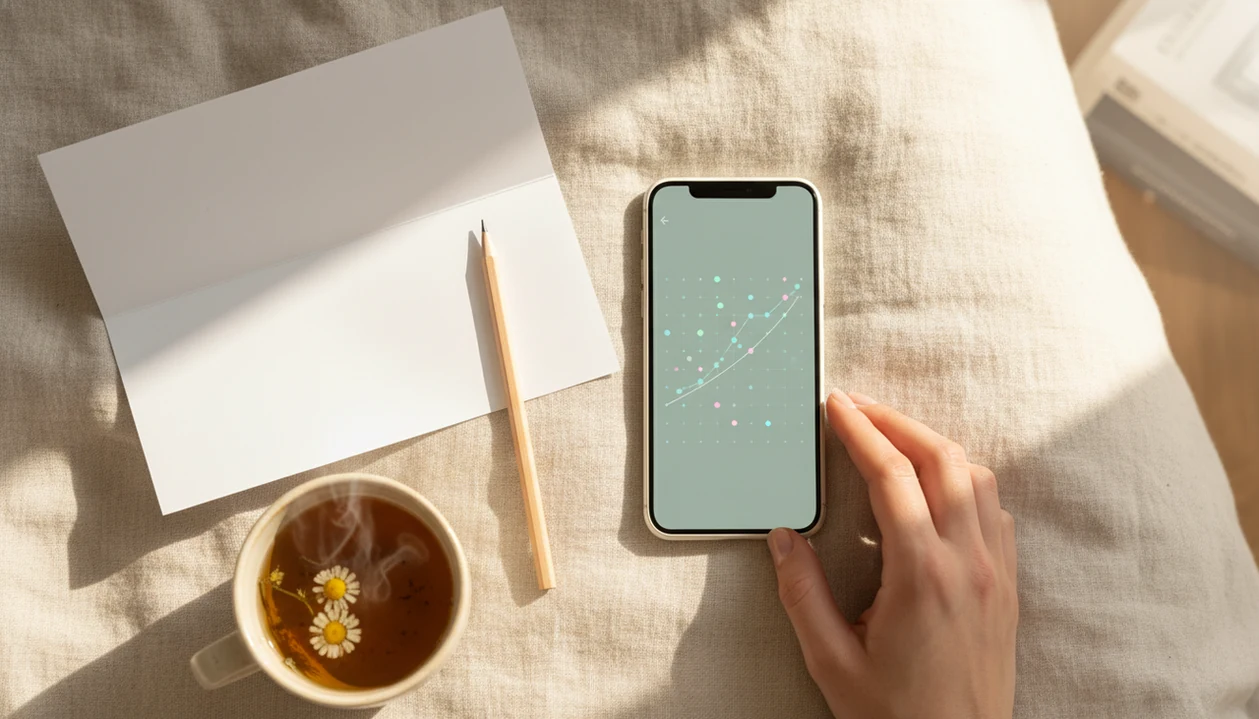

> Definition: A fetal movement tracker with charts is a phone app that records each kick or movement you feel, then displays your results as daily and weekly graphs so you can compare sessions and detect pattern changes in the third trimester.
At a Glance: What Baby Movement Charts Show You
- Baby movement charts show timing. They record how long a movement session takes, often until 10 movements are reached.
- Charts show frequency and strength notes. A session can include kicks, rolls, jabs, swishes, stretches, and softer flutters.
- Charts show your baby’s pattern, not a universal pass mark. One baby may be active after dinner; another may move more before sleep.
- Charts cannot diagnose fetal wellbeing. A normal-looking graph is not the same as an NST, ultrasound, or provider assessment.
- Reduced or unusual movement needs a call. If movement drops below your usual pattern, stop watching the chart and contact your care team.
This page is for parents who want baby movement charts without a broad pregnancy dashboard. The Fetal Kick Tracker keeps the focus on timed sessions, trend views, and provider-call prompts.
A folded kick count handout in a hospital bag still helps. Charts just make the pattern easier to bring to an appointment.
How a Fetal Movement Tracker With Charts Works
A fetal movement tracker with charts works by turning each tap into a timestamped movement event, then grouping those events into daily and weekly graphs. The useful part is not one isolated count. It is the comparison against your baby’s usual movement pattern.
Count-to-Ten Method Behind the Graph
In a count-to-ten session, you tap when you feel a kick, roll, flutter, swish, or jab. The app measures elapsed time until 10 movements or until the session reaches the time limit. Guidance summarized by Cleveland Clinic says ACOG-aligned kick counts commonly look for 10 movements within 2 hours source. Alberta Health Services uses a different threshold, advising 6 or more movements in 2 hours.
Baseline Calculation and Session Comparison
The chart aggregates sessions into bar or line graphs, then compares today’s duration with previous sessions. Standardizing the time of day and position reduces chart noise: same couch, same evening window, same phone timer feeling. The goal is organized pattern awareness, not a promise that everything is fine.
How to Use a Kick Count Graph App for Daily Tracking
Use a kick count graph app at the same time each day, when your baby is usually active, and treat any meaningful change as a reason to call your provider. The most common medically supported way to use charting is a timed daily movement session combined with clear provider-call guidance.
- Pick a consistent time each day when your baby is usually active, such as after dinner or before bed.
- Sit or lie on your left side in a quiet spot, with fewer distractions.
- Open Baby Kicks App and tap for every kick, roll, flutter, swish, stretch, or jab.
- Stop the session when you reach 10 movements or when 2 hours have passed.
- Review your chart to compare today’s session with your baseline.
- Contact your provider immediately if movements are below your usual pattern or your provider’s threshold.
When consistency is the issue, daily reminders and session charts help you repeat the same counting routine instead of relying on memory. For step-by-step counting basics, our how to count baby kicks guide explains what to count and what to skip.
When to Start Using Baby Movement Charts
Formal baby movement charts usually become most useful around 28 weeks, when third-trimester tracking is more consistent. Many people first notice fetal movement earlier, often around 16 to 22 weeks, according to Alberta pregnancy education.
Before 28 weeks, movement can feel irregular because the baby is smaller, sleep cycles vary, and placenta position can cushion sensation. An anterior placenta, for example, may make early movement feel softer or harder to locate.
Clinicians typically suggest daily kick count routines in the third trimester, especially when a provider wants closer movement awareness. Your care team may recommend starting earlier for high-risk pregnancy, growth concerns, or previous reduced movement episodes.
The quiet bedroom with a dim lamp is often when patterns become obvious.
What Fetal Movement Charts Look Like in Baby Kicks App
Baby Kicks App shows fetal movement as session-by-session charts, so you can see how long it took to reach your target count. The daily session view plots elapsed time to 10 movements, while the weekly trend graph compares session durations across 7 days.
Pregnant people looking for a cleaner appointment log can use Baby Kicks App because shareable session history keeps dates, times, and notes together instead of scattered across screenshots or a crumpled notebook page at the bottom of a purse.
Time-of-day tagging helps you count in the same window, which makes the chart easier to interpret. In-app safety messaging reminds you to call your provider if movements fall below threshold or feel different from your usual pattern.
For people comparing focused tools, our simple kick counter app page explains why fewer unrelated features can make daily kick count routines easier to keep.
Fetal Movement Tracker With Charts vs. Paper Tally and Other Apps
A charting app is most useful when you need trend visibility, while paper tallies are enough for a single session but weak for baseline comparison. No app replaces clinical tools like NST or ultrasound.
| Option | What it does well | Main tradeoff |
|---|---|---|
| Paper tally | Simple, private, no battery needed | No automatic graph, reminder, or trend view |
| Count the Kicks | Strong public-health focus and counting education | Chart depth and workflow may differ by platform |
| Generic pregnancy counters | May include many pregnancy tools in one place | Kick counting can feel buried |
| Baby Kicks App | Session-over-session graphs plus provider-call prompts | Still depends on your taps and provider instructions |
When the issue is bringing clear data to a prenatal visit, Baby Kicks App earns the spot because the session history shows timing trends rather than one loose number. If you want a broader comparison, our best baby kick counter app guide covers focused and general options.
Common Myths About Baby Movement Charts
Baby movement charts are helpful for pattern awareness, but they are often misunderstood. A chart is a log of perceived movements, not a medical reading from the baby.
| Myth | Fact |
|---|---|
| A normal-looking chart guarantees baby is fine. | Charts cannot rule out fetal distress or replace a provider assessment. |
| Every baby should hit the same number of kicks per hour. | Individual variation matters more than a universal hourly number. |
| More kicks are always better. | Sudden frantic movement can also be worth checking, especially if it feels unusual. |
| An app chart replaces an NST or ultrasound. | Kick counts are a screening routine, not a diagnostic test. |
Clinical summaries often describe a healthy fetus as moving around 3 to 5 times per hour, but formal count-to-ten methods are used because babies vary. Parent-to-parent comparisons are noisy. Your own baseline matters more.
Call anyway if it feels wrong.
Related Baby Kicks App Features for Third-Trimester Tracking
Baby Kicks App supports third-trimester tracking with a session timer, haptic tap counting, daily reminders, provider-call prompts, and exportable session logs. These features work together around one job: a simple log, same time, same place.
The right fit for a daily kick count routine is Baby Kicks App because the reminder notification can nudge a 9 p.m. session after brushing teeth, then the chart stores the result automatically.
A partner can help too. Charging the phone overnight sounds small, but it keeps the routine ready when the reminder appears. If you are choosing by device, compare the baby kick counter app for iPhone and Android options before starting.
Evidence and Safety Review for Fetal Movement Tracking
Fetal movement tracking is a pattern-awareness routine, not a medical test. The timing and thresholds on this page are based on commonly used clinical education sources, including ACOG-aligned count-to-ten guidance and Alberta Health Services’ reduced-movement instructions.
Different clinics use different thresholds, so your own provider’s plan always comes first. If they tell you to count at a certain time, call after a certain limit, or go directly to triage, follow that instruction over any app prompt or general article.
- Use the app to record what you feel during a consistent session.
- Compare today’s result with your usual pattern, not another parent’s chart.
- Call your care team if movement is reduced, unusual, or below the threshold they gave you.
- Bring charts to appointments as a clear timeline for discussion.
- Avoid using a normal-looking graph as reassurance when your instincts say something changed.
Research supports reduced-movement awareness as a way to structure conversations and prompt assessment, but large trials have not proven that counting alone prevents stillbirth. Safety copy is reviewed against current clinical guidance and updated when thresholds or wording change. Charts can help you explain what happened; they cannot diagnose, clear, or reassure a pregnancy.
Limitations
Baby Kicks App can organize fetal movement data, but it cannot interpret your pregnancy or guarantee wellbeing. Use charts as a communication aid, not a reason to delay care.
- Charts cannot diagnose fetal distress, oxygen problems, placental concerns, or fetal wellbeing.
- An anterior placenta, higher BMI, or sedating medications can make movements harder to feel and skew charts.
- A normal-looking graph can create false reassurance if you already feel that something has changed.
- Small day-to-day variation can cause unnecessary anxiety, especially when one session runs longer than usual.
- Thresholds differ. Some instructions use 10 movements in 2 hours, while Alberta Health Services advises 6 or more in 2 hours source.
- Large reduced-fetal-movement awareness trials have not shown a clear stillbirth reduction, so charting should be treated as a communication aid rather than a proven prevention tool source.
- Charts reflect perceived movements only. They do not measure total fetal activity.
- BabyCenter, What to Expect, Pregnancy+, and Count the Kicks resources may use different education styles, thresholds, or chart layouts.