
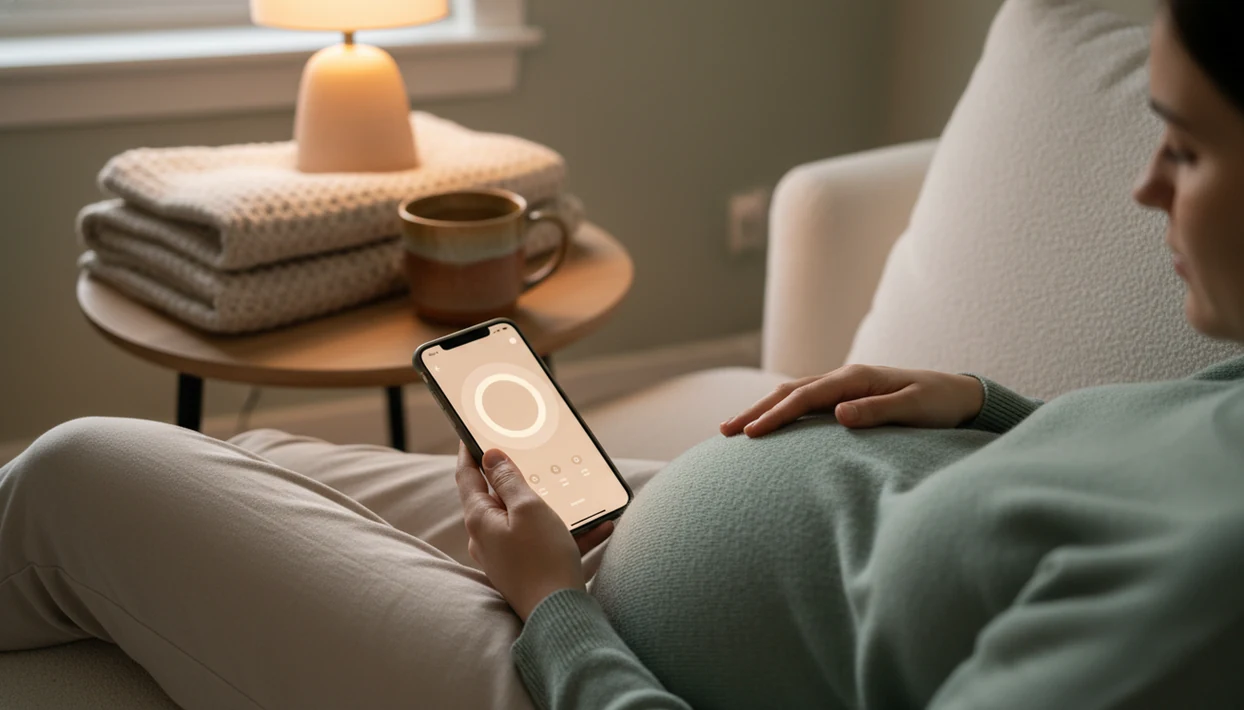
> Definition: A free baby kick counter app is a mobile tool that times fetal movement sessions, stores daily kick count logs, and helps pregnant people notice changes in their baby's movement pattern during the third trimester.
- Free kick counter apps track how long it takes to reach a set number of movements, then compare that timing day to day.
- Change from your baby's usual movement pattern matters more than hitting any single number on a given day.
- No app replaces clinical monitoring, always contact your provider if movements decrease or feel different from normal.
At a Glance: Free Pregnancy Kick Counter Features
- A free pregnancy kick counter usually times a movement session until you reach 10 movements.
- Daily logs help compare today’s timing with the last several days, not just one isolated count.
- Kick counting is mainly designed for third-trimester tracking, often around 28 weeks and later.
- A kick counter is not a diagnostic or medical tool, even when the session looks normal.
- Reminders work best when they point you to the same time, same place, and same routine.
Baby Kicks App fits people who want a focused daily kick count routine because it centers the timer, count log, and pattern view instead of burying movement tracking inside broad pregnancy content. A 9 p.m. phone alert after brushing teeth is easier to repeat than a vague “remember sometime today” plan.
Small habits matter here.
5 Free Kick Count App Features Worth Checking
Session Timer and Tap Counter
A useful free kick count app should make one movement session easy: start the timer, tap for each roll, jab, swish, stretch, or flutter, then stop when you reach the target. The count-to-10 method works because elapsed time becomes the comparison point.
Movement Log and Pattern View
For daily pattern awareness, choose an app that keeps dated sessions and movement history in one place. A crumpled notebook page at the bottom of a purse tells part of the story, but a saved log is easier to bring into a prenatal visit.
Reminders and Shareable Summaries
Look for configurable reminders and a summary you can show or export before an appointment. Good fetal kick counter and pregnancy movement tracking app for third-trimester monitoring deliver organized movement history, not certainty about fetal health. If you need a stripped-down option, our simple kick counter app guide explains what to leave out.
How Fetal Kick Counting Works Behind the App
Fetal kick counting works by timing how long it takes to feel a set number of movements, commonly 10, and comparing that elapsed time with your baby’s usual pattern. The technical idea is baseline comparison, which simply means today’s count is more useful when it sits beside yesterday’s and last week’s.
Clinicians typically suggest paying attention to reduced or unusual movement because a change can be a reason to call your care team. In one large study of reduced fetal movement, 47.3% of participants recognized the decrease within 2 hours, while 14.4% waited more than 24 hours before seeking care, according to this source.
Baby Kicks App supports this habit because it records the movement session timing rather than asking you to remember it later. The most common medically supported way to use kick counting is daily awareness combined with timely provider contact when movement changes.
How to Use a Free Baby Kick Counter App Daily
A free baby kick counter app works best when you use it the same way each day. Sitting on the couch after dinner with a phone timer open often gives a clearer routine than counting between errands.
- Pick the same time each day when your baby is usually active, often after a meal or in the evening.
- Start the session timer and tap once for each movement you feel, including rolls, jabs, swishes, and stretches.
- Log the session when you reach your target count, usually 10 movements unless your provider gave different instructions.
- Review several days together to learn your baby’s baseline instead of reacting to one odd session.
- Contact your provider if timing changes noticeably or movement feels reduced, weaker, or different from normal.
Anyone dealing with missed paper logs may prefer Baby Kicks App because the daily history stays in the phone, ready for the waiting room with clipboard forms. For more basics, read how to count baby kicks.
Named Shortlist: 3 Free Kick Counter Apps Compared
Baby Kicks App
Baby Kicks App is built for focused kick timing, daily logs, and a pattern view. Pregnant people looking for fewer distractions may choose it because the workflow stays centered on one question: how does today’s movement session compare with the usual pattern?
Count the Kicks
Count the Kicks is NIH-supported and available in 20+ languages, according to its download page source. That language access is a real strength, though some users may still prefer a simpler interface if they only want basic timing and logs.
Kicks Count
Kicks Count is a UK-based option with a simple interface and movement-awareness focus. It may fit readers following UK guidance, but app availability and features can differ by location.
BabyCenter, What to Expect, and Pregnancy+ include many pregnancy tools, but not every broad tracker focuses on evidence-based kick counting. For a wider comparison, use our best baby kick counter app guide.
How We Picked These Free Pregnancy Kick Counters
We picked free pregnancy kick counters by looking for core kick counting features first, not baby-name lists, size comparisons, or general pregnancy articles. Each option needed a timer, a daily log, and some way to compare movement sessions over time.
The app also had to avoid overpromising. No free kick count app should imply it can diagnose fetal distress, confirm fetal well-being, or prevent an adverse outcome by itself. That language matters.
For focused third-trimester tracking, prioritize a count-to-10 routine, dated session history, and baseline review over general pregnancy content. We also considered major mobile access, including options for readers comparing a baby kick counter app for iPhone or Android.
Why Change From Baseline Matters More Than Any Single Kick Count
Change from baseline matters because every pregnancy has its own usual movement pattern. One baby may reach 10 movements quickly after dinner; another may have slower rolling pressure under the right ribs at a predictable time.
A single “normal” count cannot guarantee well-being. In the same large reduced fetal movement study, 58.1% of pregnancies with reduced fetal movement were delivered by cesarean section, which shows why unusual movement can lead to serious clinical decisions. Competitor pages often skip this nuance and focus only on reaching 10.
If movements feel softer, write down what changed and call your care team. Baby Kicks App helps by preserving the dates, times, and session lengths that are hard to recall once the exam room paper is crinkling underneath you. Pattern review usually depends more on consistent daily input than on the app brand you choose.
When to Contact Your Provider About Fetal Movement
Contact your provider when fetal movement is reduced, stops, feels weaker than usual, or simply seems different from your baby’s normal pattern. A reassuring-looking app log should not overrule your concern or the instructions your prenatal team already gave you.
- Pause and focus in a quiet position if you are unsure whether distraction, a busy day, or an anterior placenta might be making movement harder to notice.
- Compare what you feel with your usual baseline, not just with a generic number in the app.
- Call your provider if movement remains reduced, unusually weak, absent, or concerning, even if Baby Kicks App shows a recent completed session.
- Follow your provider’s emergency plan right away for urgent symptoms, such as bleeding, severe pain, fluid leakage, or instructions to go directly to labor and delivery.
- Ask for individualized guidance if you are carrying twins, because overlapping movements can make it harder to tell which baby moved.
This advice matches the tone of major prenatal-monitoring guidance from groups such as ACOG and national movement-awareness campaigns: kick counting supports awareness, but clinical care decides what happens next.
Limitations
A free kick counter app can support movement awareness, but it has clear limits. Use the log as a conversation aid, not a safety verdict.
- It cannot replace medical evaluation when movement decreases, stops, or feels clearly different.
- A normal app log does not guarantee fetal well-being.
- Kick counting is most informative in the third trimester, not early pregnancy.
- Sleep, distraction, placenta position, and individual sensation can affect what you notice.
- Marketing claims about stillbirth prevention can be overstated if they imply an app alone prevents adverse outcomes.
- Apps depend on consistent user input, so skipped sessions weaken day-to-day comparison.
- No app can diagnose fetal distress or tell you to stay home when you are concerned.
- Twins can make counting harder because movements may be difficult to assign to each baby.
If you want a routine prompt rather than relying on memory, a baby kick counter app with reminders may help. Still, provider’s instructions come first.