
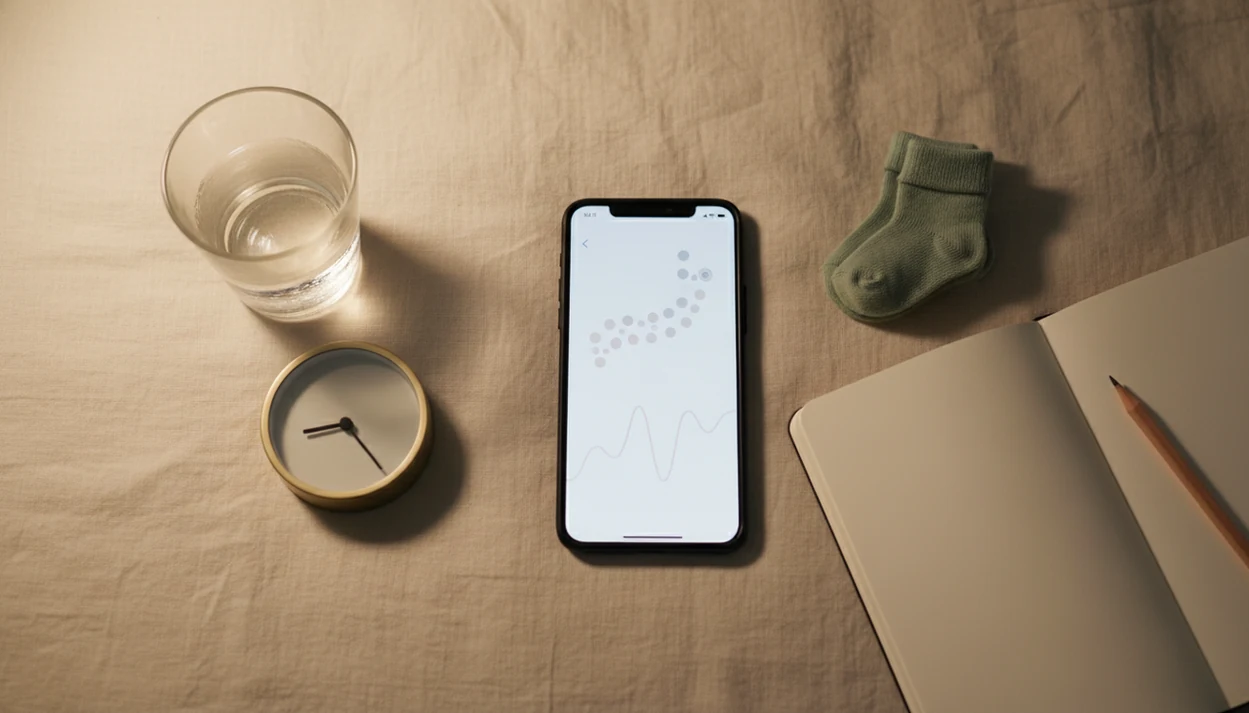
> Definition: Baby Kicks App is a baby kick counter app that helps pregnant people count kicks, track movement patterns, and know when to call their provider.
What Works in a Pregnancy Kick Counter on Android
A good pregnancy kick counter Android workflow should make counting easy at the exact moment you feel movement. Baby Kicks App keeps the session focused, so rolls, jabs, swishes, stretches, and flutters are logged without digging through a broad pregnancy dashboard.
- Tap-to-count logging: Tap once for each movement you feel, including small low pelvic wiggles during counting.
- Time-to-10 timer: The built-in timer records how long it takes to reach 10 movements.
- Daily reminders: A 9 p.m. alert after brushing teeth can help make counting repeatable.
- Pattern charts: Session history shows movement timing across days and weeks.
- Context notes: Add position, meal timing, or “baby active after walk” beside the session.
- Provider sharing: Export or show logs when your care team asks what changed.
For Android users who need a simple daily kick count routine, the strongest fit is a focused flow built around tap-to-log sessions, time-to-10 results, and shareable history.
Minimum Requirements for the Android Fetal Movement Tracker
Baby Kicks App runs on supported modern Android phones and does not need a wearable, Bluetooth sensor, or special fetal monitor. After install, the Android fetal movement tracker can be used offline for counting sessions, which matters if you are in a waiting room with weak service.
You need enough storage for the app and saved session history. Basic permissions may support reminders or exports, but the counting itself is manual. You feel the movement, then tap.
No extra gadget.
Before relying on any Android app, check the Google Play listing for the current supported Android OS version. Phone models, update status, and Play Store availability can change. If you also use Apple devices, the baby kick counter app for iPhone page explains the iOS path separately.
How Kick Counting on Android Works
Does a baby kick counter app measure the baby directly? No. It records movements you perceive, timestamps each tap, and stores the movement session so you can compare today with your baby’s usual movement pattern.
In Baby Kicks App, you tap once for each kick, roll, jab, stretch, or flutter. The session timer records how long it takes to reach 10 movements. Over several days, the app plots time-to-10 on a chart. That chart helps you see a baseline, not a universal “normal” number.
The most useful comparison is change from your own baby’s pattern, not whether one session matches someone else’s. Clinicians typically suggest calling your care team promptly if movement is reduced, absent, or clearly different from normal.
A dedicated Fetal Kick Tracker is different from a general pregnancy app because the main screen is built around movement sessions, not articles, size comparisons, or lifestyle checklists. The CDC reported 3,693 stillbirths in the United States in 2023, which is why movement awareness gets serious attention in third-trimester care (CDC fetal death data: https://www.cdc.gov/nchs/nvss/fetal-death.htm).
How to Use a Baby Kick Counter App for Android
The most common medically supported way to build a useful kick count record is to count at the same time daily and compare sessions against your baby’s usual baseline. A folded kick count handout in a hospital bag helps, but an app log is harder to lose than a crumpled notebook page at the bottom of a purse.
- Install Baby Kicks App from Google Play. Search the app name and confirm the publisher before downloading.
- Set a daily reminder for the same time each day. Consistent timing makes the chart easier to interpret.
- Sit or lie on your side and tap for each movement you feel. Count kicks, rolls, jabs, stretches, and swishes.
- Review the session summary and time-to-10 result. Write down anything unusual in the notes field.
- Check the pattern chart after several days. Look for your baby’s baseline, not a single magic number.
- Share or export the log before your next provider visit. A phone screen shown at an appointment is often clearer than memory.
Anyone dealing with missed paper logs may prefer Baby Kicks App because each session stays organized by date, time, notes, and time-to-10 result.
Android Kick Counter vs General Pregnancy Tracker Apps
A dedicated Android kick counter focuses on fetal movement sessions, while general pregnancy trackers often cover many topics at once. Both can be useful, but they solve different problems.
| App type | Main focus | Kick count support | Reminder fit | Provider sharing |
|---|---|---|---|---|
| Baby Kicks App | Third-trimester movement tracking | Tap-to-log sessions and time-to-10 charts | Tuned for daily kick count consistency | Export or show session history |
| General pregnancy apps such as BabyCenter or What to Expect | Pregnancy articles, size updates, checklists | May be limited or less central | Often broader reminders | Varies by app |
| Count the Kicks | Fetal movement awareness | Time to feel 10 movements | Daily counting emphasis | Education-focused support |
Good fetal kick counter and pregnancy movement tracking app for third-trimester monitoring deliver organized movement records, not a diagnosis or guaranteed reassurance.
Count the Kicks is also available in 20+ languages, which is a useful reference point for multilingual support. For users comparing focused tools, our best baby kick counter app guide goes deeper.
Third-Trimester Fetal Movement Tracking and Stillbirth Awareness
Third-trimester fetal movement tracking matters because a clear change from the baby’s usual pattern can be a warning sign. A focused Android fetal movement tracker helps you notice that change sooner by keeping daily sessions in one place.
Per the CDC, there were 3,693 stillbirths in the United States in 2023. The stillbirth rate was 5.63 per 1,000 total births that year. Those numbers do not mean kick counting prevents every bad outcome. They do explain why care teams take reduced or unusual movement seriously.
Daily kick counting is commonly started around 28 weeks, unless your provider gives different instructions; Count the Kicks and many hospital handouts use that third-trimester starting point (Count the Kicks: https://countthekicks.org/). The right fit for third-trimester tracking is Baby Kicks App because the chart compares repeated time-to-10 sessions against your baby’s own baseline.
If movement seems reduced, absent, or sharply different, call your care team. Do not wait for another app session to “prove” the concern.
Download Baby Kicks App on Google Play
You can download Baby Kicks App on Google Play by searching for the app name from your Android phone. It is free to download, and you can start a movement session without a special device or long setup process.
If you want a direct download-focused walkthrough, use the download baby kick counter app page. If cost is your main question, the free baby kick counter app guide covers what “free” should mean in a kick counting tool.
If you need focused Android kick counting without extra pregnancy clutter, Baby Kicks App earns the spot through reminders, time-to-10 tracking, and provider-shareable logs.
Limitations
A kick counter app is useful for organization, but it cannot tell you that a baby is healthy. Baby Kicks App records movements you notice; it does not monitor the baby directly.
- A kick counter app does not prove fetal wellbeing. It only captures perceived movement.
- Tracking can be unreliable if you are distracted, asleep, driving, or unsure what counts.
- A missed reminder after an appointment can break the daily pattern unless you restart the routine.
- The app is not a substitute for urgent care if movement seems reduced, absent, or unusual.
- No kick counter app can prevent stillbirth on its own. Awareness and timely follow-up are the point.
- App quality varies across Google Play. Some kick counters may not be evidence-informed or regularly updated.
- Results are less useful if you count at random times instead of the same daily window.
- General apps like Pregnancy+ or Glow may include many features, but not always focused movement logging.
Still, a simple log can make a tense phone call clearer. Dates help. Times help more.