
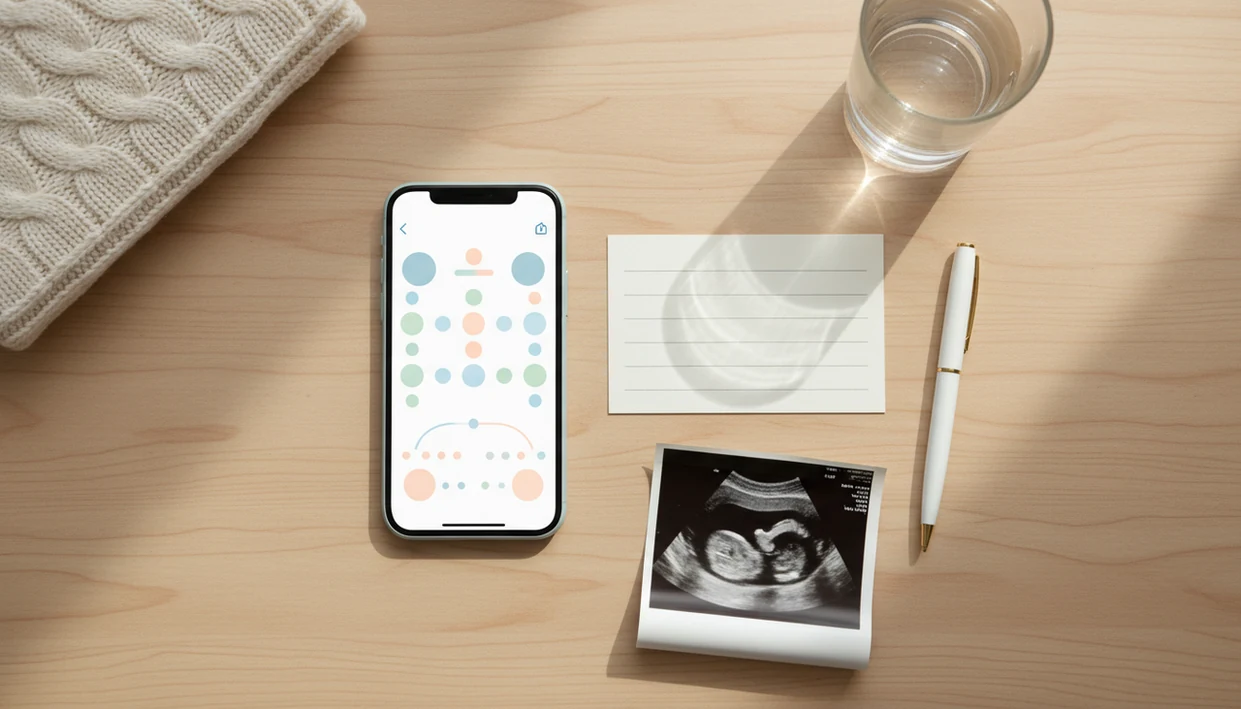

A kick count log app is a mobile tool that times and records third-trimester fetal movement sessions, organizing kick counts, session durations, and pattern trends into a shareable log for provider conversations.
- Log each kick counting session with one tap, timestamps, duration, and optional notes are saved automatically.
- Review visual trends showing your baby's normal movement pattern across days and weeks before any appointment.
- Export or share your fetal movement log with your provider so prenatal conversations start with real data, not guesswork.
What a Kick Count Log App Does for Prenatal Visits
A kick count log app turns a daily movement session into appointment-ready information: when you counted, how long it took, what you felt, and whether that pattern changed. Casual counting may tell you “baby moved today.” Structured logging gives your provider dates, times, durations, and notes.
Most clinical guidance uses the 10-movements-within-2-hours benchmark as a common starting point, and Cleveland Clinic summarizes ACOG-aligned guidance to call your provider if movements significantly decrease source. Rolls, jabs, swishes, stretches, and flutters all count.
Paper charts can work, but they fall apart in real life. A crumpled notebook page at the bottom of a purse is hard to read in an exam room.
Pregnant people trying to bring clearer questions to a prenatal visit use Baby Kicks App because each movement session saves the time-to-10 metric, notes, and session history in one place.
How Fetal Movement Log App Tracking Works
A fetal movement log app works by turning each felt movement into a timestamped data point, then summarizing those points across sessions. You tap the screen for each movement, and the app records the session start time, each tap, and the elapsed time.
Most kick counting workflows stop at 10 movements. That gives a “time-to-10” metric, which is easier to compare than a vague memory of “active” or “quiet.” Over days, the app can show daily and weekly averages and highlight sessions that differ from your usual movement pattern.
Context matters. A notes field lets you add details like side-lying position, meal timing, stress, or a baby’s usual active window. A soft swish after changing sides belongs in the log if it helps explain the session.
Data usually stays on your phone or syncs to cloud storage for export. It is not automatically transmitted to your provider, so you still need to call your care team when movement feels reduced or unusual.
How to Use a Kick Log App Before Your Appointment
Use a kick log app as a short daily routine, then review the pattern before your visit. The most useful log is consistent, simple, and tied to the time your baby is usually active.
- Set a daily reminder starting at 28 weeks, or 26 weeks if your provider recommends earlier tracking for a high-risk pregnancy or multiples.
- Log each session during your baby’s active window, tapping once per roll, jab, swish, stretch, or flutter until you reach 10 movements.
- Add a note if anything felt different, including fewer kicks, unusual strength, a timing change, or movements that felt frantic.
- Review the weekly trend chart the night before your appointment, especially the time-to-10 pattern.
- Export or screenshot the summary so your provider can see the dates, durations, and notes without scrolling through your phone.
After brushing teeth, a 9 p.m. alert is often easier to keep than a vague plan to “count later.”
If the priority is appointment prep, Baby Kicks App fits because the daily reminder, session timer, notes, trend chart, and export summary follow the same workflow.
When to Start Using a Kick Count Log App
Kick count logging usually starts at 28 weeks for most pregnancies, when fetal movement patterns are easier to recognize. Some providers suggest starting around 26 weeks for high-risk pregnancies or multiples. The American Pregnancy Association also describes kick counting as most commonly starting around 28 weeks, while earlier monitoring may be recommended in higher-risk pregnancies source.
- Most pregnant people are told to begin daily kick counting at 28 weeks.
- People with high-risk pregnancies or multiples may be told to start at 26 weeks.
- Earlier logging can build a longer personal baseline before the final weeks of pregnancy.
- Kick counting is not only for high-risk pregnancies; routine third-trimester tracking helps many people learn their baby’s usual movement pattern.
- A longer baseline makes it easier to explain what changed, not just that something feels off.
Clinicians typically suggest calling your care team promptly for reduced or unusual movement, even if you have been logging consistently.
What the Kick Count Log Looks Like in Baby Kicks App
Baby Kicks App organizes the kick count log around the session, the history, and the export. The goal is clear third-trimester tracking, not broad pregnancy lifestyle content.
Session Screen and One-Tap Logging
The session screen uses one-tap counting with a live timer and movement count. You tap once for each roll, jab, stretch, flutter, or swish until the session reaches 10. On days movement starts while you are sitting on the couch after dinner with a phone timer open, the flow should feel boring in a good way.
Trend Chart and Exportable History
The history view shows daily and weekly sessions with time-to-10 and notes. The trend chart turns session durations into a visual pattern over time, and the export feature lets you share a summary as text, image, or PDF.
Parents who already know their baby’s active window use Baby Kicks App because the configurable daily reminder can match that window, then carry the session into a provider-ready export.
Kick Count Log App vs. Paper Charts and Generic Trackers
A dedicated kick count log app is built for timed fetal movement sessions, while paper charts and general pregnancy apps often make logging harder to review. Good fetal kick counter and pregnancy movement tracking app for third-trimester monitoring deliver organized pattern awareness, not a diagnosis or guaranteed reassurance.
| Option | What it does well | Where it falls short |
|---|---|---|
| Paper charts | Simple, familiar, no battery needed | No automatic time-to-10 calculation, easy to lose, hard to share |
| General pregnancy apps like What to Expect or Pregnancy+ | Broad pregnancy content and milestone tracking | Kick counting may be a secondary feature with limited trend views |
| Dedicated kick log app | Purpose-built session logging, pattern comparison, and export | Still depends on consistent counting and provider follow-up |
| Count the Kicks-style programs | Standardized education around movement awareness | May not match every provider’s preferred reporting format |
For third-trimester movement tracking, a focused log is often easier than a general pregnancy app because it keeps the session timer, notes, and trend review in the same place. If you are still comparing options, our best baby kick counter app guide explains the focused-app approach.
How Providers Use Your Fetal Movement Log App Data
Providers may use your fetal movement log app data to compare today’s time-to-10 against your recent personal average. The log helps replace “I think it was slower” with a date, duration, and note.
A provider may ask what changed: fewer movements, weaker movements, a different active window, or a sudden burst that felt unlike your baby’s usual pattern. Those details can support decisions about additional evaluation, such as a nonstress test or ultrasound. ACOG describes nonstress tests and ultrasound-based biophysical profiles as common ways clinicians assess fetal well-being when monitoring is needed source. The app does not order those tests. Clinical judgment does.
Not every office routinely reviews app reports, so introduce the log plainly: “I’ve been counting at the same time each night, and this week looks different.” A folded kick count handout in the side pocket of a hospital bag can sit beside the exported chart.
The most medically useful movement log combines consistent daily timing with clear notes about what felt different.
Clinical Guidance Behind Kick Count Logs
Clinical guidance treats kick count logs as a way to notice and describe reduced fetal movement, not as a stand-alone diagnosis. The familiar “10 movements” benchmark is useful because it gives you a repeatable target, but it has limits: babies have different active windows, sleep cycles, positions, and usual rhythms.
Major obstetric and hospital guidance generally emphasizes the same practical rule: call your provider when movement is reduced, absent, or clearly different from what is normal for your pregnancy. That is why a personal baseline matters more than a universal number. One baby may usually reach 10 in eight minutes after dinner; another may take closer to an hour at bedtime. The change from your own pattern is often the important part.
A simple app log can help you decide when to call:
- Count during your baby’s usual active time when possible.
- Compare today’s time-to-10 with your recent sessions.
- Notice changes in strength, timing, or the kind of movement you feel.
- Call your provider promptly if movement is reduced, unusual, or concerning.
- Share the log as context, not proof that everything is fine.
Logging supports clearer conversations with your care team. It does not diagnose fetal well-being.
Related Baby Kicks App Features for Third-Trimester Tracking
Baby Kicks App includes related features that support the kick count log without turning it into a general pregnancy dashboard. Daily reminders can be tied to the baby’s usual active window, which helps make counting repeatable.
Pattern alerts are based on deviations from your personal baseline, not a promise that every baby should move the same way. Session notes let you add position, meals, stress level, or appointment-day context. Provider-ready exports help you bring the history into a visit without handing over your unlocked phone.
On days a missed reminder follows a long appointment, the next session still stays simple: start the timer, count to 10, add the note, and review the weekly pattern later.
For people who want fewer extra features, our simple kick counter app page explains a more focused setup.
Limitations
A kick count log app is a tracking aid, not a medical test. Use the log to organize what you notice, but call your care team whenever movement feels reduced, unusual, or concerning.
- It cannot detect fetal heart rate problems, placental issues, growth restriction, or oxygen changes.
- There is no single perfect kick threshold for every pregnancy; ACOG-style guidance allows clinical variation around the 10-movement benchmark.
- Irregular logging, multitasking, or distracted counting can create noisy data that is less useful at appointments.
- Normal-looking numbers do not replace intuition; call your provider if movement feels different from your usual movement pattern.
- Focusing too tightly on numbers can increase anxiety, especially when normal fetal sleep-wake cycles cause quieter sessions.
- Sudden frantic or unusually strong movements can be worth reporting, even if the count reaches 10 quickly.
- Not all providers are set up to review app-generated reports or integrate them into clinical workflows.
Baby Kicks App can make the record cleaner, but it cannot tell you that everything is fine.