
Kick Count Log Before Appointment: What To Bring
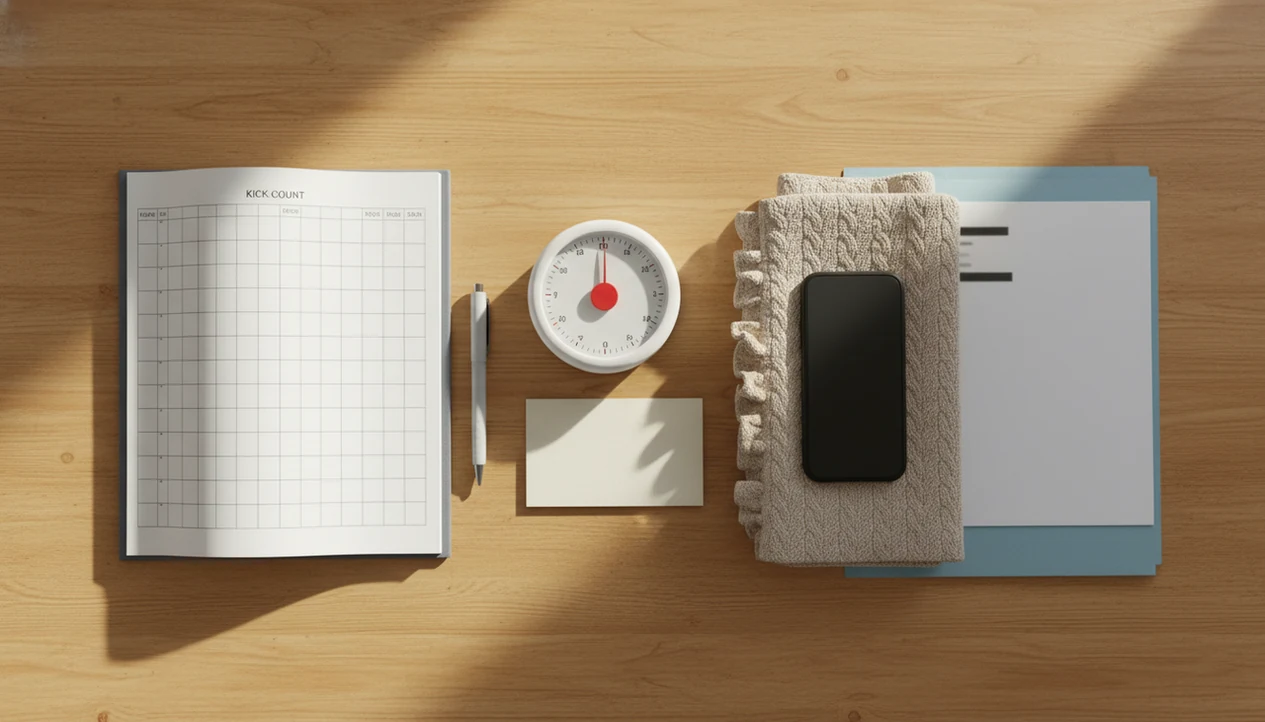
Bring a clear kick count log before appointment that shows when you counted, how long it took to reach 10 movements, any strength or pattern changes, and the questions you want to ask your provider. If movement is decreased, weaker, or suddenly different, call your provider right away instead of waiting for the visit.
> Definition: A kick count log is a dated record of how long it takes to feel a set number of fetal movements, usually 10 kicks, rolls, swishes, flutters, or jabs, during the third trimester.
- Track kick counts at about the same time each day and bring at least the last 3–7 days to your prenatal visit.
- Count clear movements such as kicks, rolls, swishes, flutters, and jabs, but do not count hiccups.
- Use the log to discuss patterns, not to delay care if your baby is moving less or something feels wrong.
Kick Count Log Before Appointment Definition for Prenatal Visits
A kick count log for a prenatal visit is a simple record of date, counting time, time-to-10 movements, and notes about strength or unusual changes. It gives your doctor or midwife a cleaner view than a memory-based description like “less active this week.”
Most healthy pregnancies start daily counting around 28 weeks, unless a provider recommends earlier tracking for twins, a high-risk pregnancy, or a specific concern. A folded handout in a hospital bag can work, and so can a phone note or a daily kick count log.
The log supports the conversation. It does not replace medical evaluation.
A dedicated kick-count app, phone note, or paper chart can help organize count history and notes, especially when a crumpled notebook page at the bottom of a purse is the usual backup plan.
Doctor Appointment Kick Count Trends and Safety Signals
Organized kick count records help providers scan trends faster because each movement session has a date, time, and comparable counting method. The goal is not to create panic; it is to make changes easier to discuss promptly.
- Dated sessions matter: A provider can compare Monday through Sunday faster when each entry shows start time and time-to-10.
- Consistency reduces noise: Counting after dinner most nights is easier to interpret than random checks at noon, midnight, and during errands.
- Decreased movement needs prompt contact: If movement is reduced, weaker, or suddenly different, call your care team instead of saving it for the visit.
- Research supports taking changes seriously: In a Norwegian case-control study, 55% of mothers with stillbirth reported decreased fetal movement in the week before diagnosis, compared with 9% of controls source.
- Stillbirth is uncommon, but serious: Per the CDC, about 1 in 175 U.S. pregnancies ends in stillbirth, so movement changes deserve timely attention without assuming the worst source.
How Prenatal Appointment Kick Logs Work
Prenatal appointment kick logs work by building a personal baseline, not by proving a universal “normal” number. Repeated time-to-10 counts show what is usual for your baby during a similar daily window.
The key signal is time-to-10 movements. If it usually takes 12 minutes while you sit quietly, then several sessions taking much longer may be worth reporting. Consistency matters because fetal activity changes with sleep cycles, your position, meals, and time of day.
Apps or paper charts organize observations, but they cannot diagnose why movement changed. A good fetal kick counter and pregnancy movement tracking app for third-trimester monitoring delivers cleaner logs and faster pattern review, not medical clearance.
A fetal kick tracker can store count sessions, movement patterns, and notes for easier appointment review. Still, the provider’s instructions come first. The phone screen helps; it does not examine the baby.
What To Include in a Kick Count Log Before Appointment
A useful kick count log includes the fields your provider can read quickly: date, start time, end time, total time to 10 movements, baby activity level, and notes. Count clear movements such as kicks, rolls, flutters, swishes, and jabs. Hiccups usually should not be counted.
Core log fields
- Date: Record the exact day, especially for the last 3–7 days before the visit.
- Start and end time: Show when the session began and when 10 movements were reached.
- Total time-to-10: Write the number of minutes clearly.
- Activity note: Mark whether movement felt usual, weaker, stronger, or hard to notice.
Optional context notes
Add position, meals, hydration, medication changes, stress, illness, or missed sessions. A pillow wedged under one hip can change how easy it is to feel movement, so note that too. For paper formats, kick count charts and logs should leave room for short comments.
Before You Start a Kick Count Log
Before you start a kick count log, set up the method, timing, and contact plan your provider wants you to follow. A few minutes of preparation makes the daily count easier to repeat and easier to act on if something changes.
- Ask your provider which kick-count method they prefer, when you should begin, and whether your pregnancy needs different instructions.
- Choose a daily window when your baby is usually active, such as after a meal, in the evening, or before bed, so your sessions are more comparable.
- Prepare your tool before counting, whether that is an app, paper chart, phone note, or timer, and keep it close enough that you are not hunting for it mid-session.
- Settle your body by sitting back or lying on your side in a comfortable position where small rolls, swishes, and jabs are easier to notice.
- Save the after-hours number for your office, triage, or labor and delivery before you need it, so a concerning movement change does not turn into a search for the right phone number.
How To Use a Kick Count Log Before Appointment
The most common medically supported way to prepare prenatal appointment kick logs is to count at a similar time each day, then bring recent time-to-10 patterns to your visit. Keep the process plain, repeatable, and easy to show.
- Set a daily counting window when your baby is usually active, such as after dinner or before bedtime.
- Log the time it takes to reach 10 clear movements, including rolls, jabs, swishes, and flutters.
- Review the last 3–7 days before the visit and flag sessions that took much longer or felt weaker.
- Bring the record by opening the app, exporting notes, taking screenshots, or printing a summary.
- Write specific questions based on the pattern, not only a general “Is this okay?”
Small detail: have the log ready before the nurse calls your name. Exam room paper crinkles loudly when you are trying to scroll.
Prenatal Appointment Kick Logs Question Checklist
“Does this change in my kick count log mean I should be monitored today?” is a clearer question than “Are these kicks normal?” Bring questions tied to dates, times, and what changed.
Ask your doctor or midwife:
- “It used to take about 15 minutes to reach 10, but now it takes 35–45 minutes. When should I call?”
- “The number is still 10, but the movements feel weaker. Does that need evaluation?”
- “My pattern is inconsistent this week. Should I have a non-stress test or ultrasound?”
- “Because of my risk factors, should I follow different kick count instructions?”
- “If this happens after hours, do I call the office, triage, or labor and delivery?”
Clinicians typically recommend reporting decreased or unusual fetal movement promptly, especially when it differs from your usual movement pattern. After the visit, document the provider’s advice in the same chart or app. If a partner helps, you can share kick logs with partner before the appointment so they remember questions too.
Normal Kick Count Log Patterns Before Appointment
Normal kick count patterns are based on your baby’s usual movement over several days, not someone else’s numbers. A steady pattern is more useful than a single isolated session that happened during a noisy afternoon.
Look for your own baseline: the time of day, the usual time-to-10, and the kind of movement you feel. Soft swishes after changing sides may be typical for one baby. Tiny pops below the belly button may be typical for another.
Report a sudden longer time to reach 10, fewer movements, weaker movement, or anything that feels clearly different. Do not wait for a scheduled appointment if movement is decreased or concerning.
One misconception needs correcting. Babies do not normally “run out of room” and stop moving near the end of pregnancy or before labor. Movement may feel different, but a noticeable decrease should be discussed right away.
App Export Notes for Prenatal Appointment Kick Logs
A baby kick counter app can help pregnant people count kicks, track movement patterns, and prepare a cleaner summary for a prenatal visit. App-based logs can reduce scattered notes and make it easier to show several days of movement sessions side by side.
That matters when the alternative is a half-filled paper page, a text message to yourself, and one screenshot buried in photos. Simple wins here.
Bring your phone, screenshots, exported notes, or a written summary. If your clinic prefers paper, use a printable kick count chart as a backup. If your clinic accepts digital records, export fetal movement logs before you leave home so the file is ready.
A support partner can help review questions and remember provider instructions. One hand squeeze during a slower session is not medical data, but it may help you speak up clearly.
Common Kick Count Log Before Appointment Mistakes
The biggest mistake is treating a scheduled visit as the next safe time to mention decreased movement. If movement is reduced, weaker, or suddenly different, call your care team promptly.
- Waiting for the appointment: A concerning change should be reported now, not stored for next week.
- Counting hiccups: Hiccups are rhythmic and usually do not count as fetal movements for kick counts.
- Comparing pregnancies: One baby’s pattern may not match a prior pregnancy, a friend’s baby, or an app average.
- Logging at random times: Sessions at inconsistent times can make normal variation look more meaningful than it is.
- Trusting a normal-looking log too much: A log cannot guarantee that everything is fine.
For many families, a phone timer open on the couch after dinner is more reliable than trying to reconstruct movement from memory. If you need a visit-ready format, the process to share kick logs with doctor should keep the dates and time-to-10 visible.
Limitations
Kick count logs are screening tools, not diagnostic tests. They can help you notice and explain movement changes, but they cannot identify the medical cause of decreased fetal movement.
- Evidence is mixed: A Cochrane review found insufficient high-quality evidence that kick counting alone reduces perinatal mortality source.
- Trial results are not absolute: A fetal movement awareness trial reported a 30% stillbirth reduction, from 4.2 to 2.9 per 1,000 births, but it did not reach conventional statistical significance.
- False reassurance can happen: A normal-looking log should not override your gut feeling that movement has changed.
- Logs may be incomplete: Distraction, sleep, missed sessions, or inconsistent timing can leave gaps.
- Apps and charts have limits: They organize observations, but they cannot diagnose placenta problems, fetal distress, or other causes.
- Urgent changes need care: Call your provider or seek urgent evaluation for significant changes, even if your next appointment is soon.
FAQ
When should I start kick counts?
Many providers suggest starting daily kick counts around 28 weeks in a healthy pregnancy. Some recommend earlier tracking for higher-risk pregnancies, multiples, or specific concerns.
How many kicks should I count?
Many kick count methods use 10 clear movements as the target. Follow your provider’s instructions if they give you a different method.
Do baby rolls count?
Yes, rolls, swishes, flutters, jabs, and kicks usually count as fetal movement. Hiccups usually should not be counted.
Should I count every day?
Daily counting at a similar time helps establish your baby’s usual movement pattern. It also makes changes easier to describe at a prenatal visit.
What if kicks take longer?
Contact your provider promptly if reaching 10 suddenly takes much longer than usual or movement feels weaker. Do not wait for a scheduled appointment if the change concerns you.
Can I use an app?
Yes, an app can organize time-to-10 sessions, notes, and movement patterns for easier appointment review. Baby Kicks App is one option for keeping those records together.
Should I wait for my appointment?
No, decreased or concerning movement should be reported right away. A kick count log is for communication, not for delaying care.