
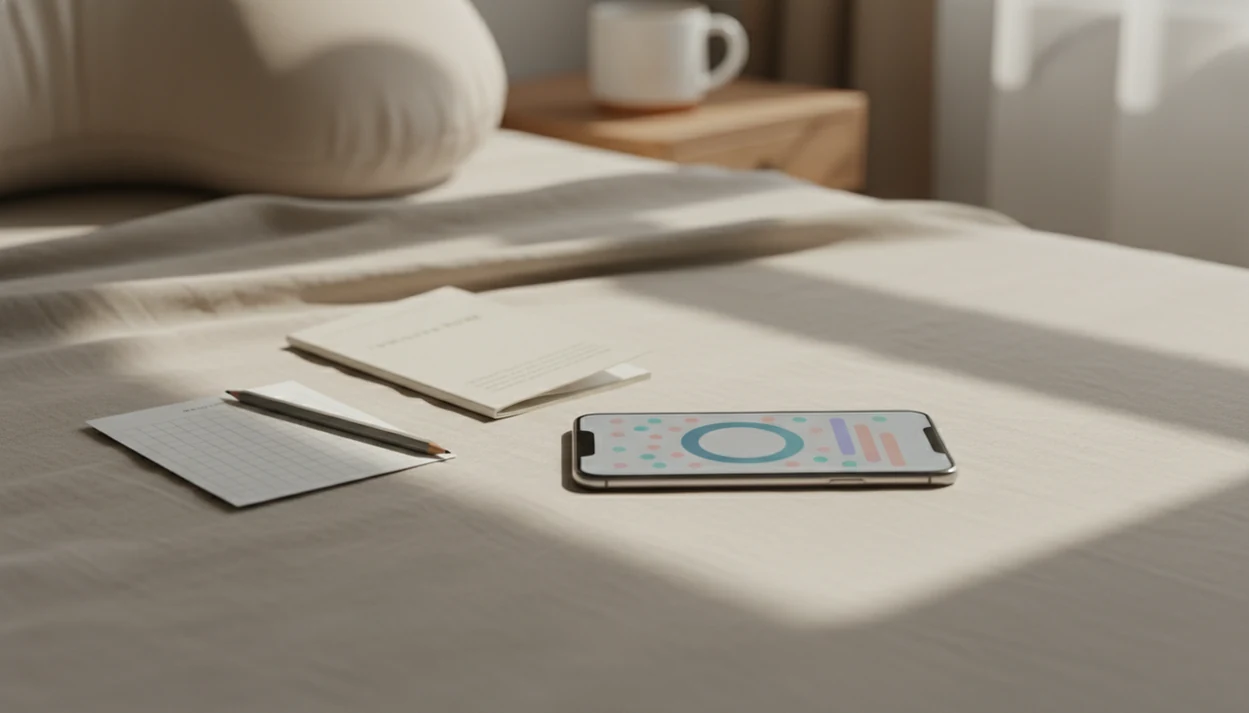

> Definition: A kick counter app is a mobile tool that times how long it takes to feel a set number of fetal movements, stores each session, and surfaces pattern changes so you know when to call your provider.
- Medical organizations endorse kick counting but don't require a specific app, any consistent method works.
- An app's main value is convenience: reminders, automatic timing, and trend charts that surface pattern changes.
- A kick counter app never replaces provider guidance; always call if something feels off, regardless of what the screen shows.
At-A-Glance: Kick Counter App vs. Manual Tracking
A kick counter app, a paper chart, and a phone stopwatch can all satisfy fetal movement tracking guidance if you use them consistently. The difference is not the clinical method; it is how much friction each option adds during daily life.
| Method | Reminders | Trend visibility | Data sharing with provider | Cost | Accessibility |
|---|---|---|---|---|---|
| Kick counter app | Built-in daily alerts | Saved sessions and charts | Screenshot or export-ready | Often free or low-cost | Requires smartphone comfort |
| Paper chart | None unless you add one | Harder to compare over time | Bring the chart to visits | Free | Works without a phone |
| Phone stopwatch | Manual alarm needed | No movement history unless copied | Usually messy to explain | Free | Simple but easy to forget |
A folded kick count handout in a hospital bag still works. So does a crumpled notebook page, if you can find it. For a deeper low-tech comparison, the kick counter app vs paper chart guide breaks down the tradeoff.
How Fetal Kick Counting Works Behind the App
Fetal kick counting usually works by timing how long it takes to feel 10 distinct movements, such as rolls, jabs, swishes, stretches, or flutters. Many clinical instructions treat 10 movements within up to 2 hours as a reassuring benchmark; Cleveland Clinic describes 10 movements in 1 to 2 hours as a common third-trimester guide (https://my.clevelandclinic.org/health/articles/23497-kick-counts).
Stat callout: The common “count to 10” method is a timing method, not a diagnosis. Pattern recognition matters more than one isolated number.
Baby Kicks App layers behavioral design on top of that method: reminders, session timers, saved history, and visual trend lines. Those features help most when your usual movement pattern is easy to miss across busy days. A 9 p.m. phone alert after brushing teeth is less likely to vanish than a mental note.
Each baby has a different baseline. Doctors and pregnancy guidance commonly recommend calling your care team promptly for a noticeable decrease or unusual change in fetal movement, even if yesterday’s session looked normal.
How to Use a Kick Counter App for Daily Tracking
Use a kick counter app at the same time each day, ideally during a window when your baby is usually active. A simple log, same time, same place, makes changes easier to explain.
- Set a daily reminder during your baby’s most active window.
- Find a comfortable position and start the timer.
- Tap for each distinct movement until you reach 10.
- Review the session time and save the log.
- Check the trend chart weekly for pattern shifts.
- Share or screenshot logs before prenatal visits.
Sitting on the couch after dinner with a phone timer open is enough for many people. Keep the session calm and boring. That helps.
If the priority is organized daily third-trimester tracking, Baby Kicks App fits because Fetal Kick Tracker sessions save date-stamped movement history instead of leaving counts scattered across alarms, notes, and memory.
Where a Kick Counter App Wins Over Paper Charts
A kick counter app wins when consistency, visibility, and sharing matter more than avoiding another phone habit. The strongest value is not fancy pregnancy content; it is a cleaner daily kick count routine.
- Reminder support: Automated alerts reduce skipped sessions for busy or forgetful users.
- Trend visibility: Charts can show subtle shifts across days and weeks.
- Provider sharing: Screenshot-ready logs make dates, times, and session lengths easier to review.
- Single-purpose focus: A dedicated counter avoids the distraction of generic timers and notes apps.
- Anxiety structure: Some anxious users do better with a clear routine than with guessing.
When the issue is a lost paper log before an appointment, Baby Kicks App earns the spot because the saved session history stays in one searchable place. Good fetal kick counter and pregnancy movement tracking apps deliver organized pattern awareness, not proof that everything is fine.
For people comparing broader pregnancy tools, the kick counter app vs pregnancy app breakdown explains why single-purpose tracking can be easier to stick with.
Where Manual Kick Counting Wins Over an App
Manual kick counting wins when you already track reliably and your provider likes the format. If you fill out a paper chart every evening and bring it to visits, an app may add little clinical value.
Some people also do not want ads, upsells, analytics, or extra permissions attached to a pregnancy routine. That is reasonable. A paper chart has no notifications, no login, and no privacy policy to read.
Low-tech can be steady.
Manual tracking also fits people without reliable smartphone access or those who feel more comfortable writing by hand. Count the Kicks resources, What to Expect, and BabyCenter-style guides may describe different routines, but the core point stays similar: use a method consistently and call your care team when movement changes. For reliable hand-tracking users, paper is often enough because consistency matters more than the recording tool.
Who Should Pick a Kick Counter App for Third-Trimester Tracking
A kick counter app is most useful for people who need reminders, clean records, or a calmer way to learn their baby’s usual movement pattern. It is especially helpful in the third trimester, when daily tracking becomes part of many care routines.
First-time pregnant people may like seeing what “normal for this baby” looks like across several days. Busy parents may need a calendar reminder on both phones so a movement session does not disappear into bedtime tasks.
Support partners looking for shared routine visibility may prefer Baby Kicks App because Fetal Kick Tracker sessions create a simple record that can be reviewed before prenatal appointments. If you need more options, our best fetal movement tracker app guide compares focused tracking features without turning kick counts into general pregnancy planning.
Evidence Behind Kick Counting Apps and Manual Tracking
The evidence supports paying attention to your baby’s usual movement pattern and acting quickly when it changes. It does not prove that a commercial kick counter app is medically better than a paper chart, stopwatch, or provider handout.
Cleveland Clinic, Count the Kicks, Tommy’s, and ACOG-style pregnancy guidance all point toward the same practical idea: fetal movement awareness can help parents notice a decrease or unusual shift and contact their care team. The supported behavior is consistency, not the format of the log.
A sensible routine looks like this:
- Choose one daily time when your baby is usually active.
- Count movements using the method your provider recommends.
- Record the time, date, and anything that felt different.
- Compare today’s session with your normal pattern, not with a generic app score.
- Call your provider promptly if movement decreases or feels unusual.
App features can improve adherence by reducing friction: reminders, one-tap counting, saved sessions, and easy screenshots before appointments. Those are convenience and communication benefits. The evidence is still limited on whether commercial kick counter apps themselves improve outcomes beyond steady manual tracking and prompt clinical contact.
Kick Counter App Pros and Cons: Privacy, Accuracy, and Anxiety
Kick counter app pros and cons come down to convenience versus over-trust. An app can organize movement sessions well, but it records taps from the user, not actual fetal health.
Before using any app for pregnancy data, check whether the developer lists health-data collection, analytics sharing, or third-party advertising in the privacy policy. If that information is hard to find, paper tracking may be the safer choice.
| Concern | What to check | Practical takeaway |
|---|---|---|
| Privacy | Permissions, ads, analytics, sale of data | Avoid apps asking for unrelated access |
| Accuracy | Whether sessions depend on manual taps | The app only records what you enter |
| False reassurance | Normal-looking numbers after a changed pattern | Call your provider if something feels off |
| Anxiety | Rechecking every small variation | Use the routine your provider recommends |
| Defaults | Count target and time threshold | Provider’s instructions override app settings |
After reduced movement, when the triage bracelet is still on your wrist, Baby Kicks App can help you write down what changed before a follow-up call because the session history shows dates and times. It cannot interpret the result.
For privacy-first users, a free fetal movement tracker should still be judged by permissions, not just price.
When to Call Your Provider About Reduced Movement
Call your provider promptly if your baby’s movement noticeably decreases, feels unusual, or does not match the pattern you have come to know. Do not wait for the next planned kick count or for an app timer to “prove” there is a problem.
Your care team’s instructions always outrank an app default, including any count target, time limit, or reassurance message on the screen. If you are worried, it is reasonable to ask whether you should go to pregnancy triage, labor and delivery, or another urgent assessment area your hospital uses.
- Notice the change in plain language: fewer movements, weaker movements, a sudden quiet stretch, or a pattern that feels wrong for your baby.
- Stop relying on the next scheduled session and contact your provider now.
- Follow the threshold your clinician gave you, even if the app uses a different setting.
- Share the timing, your recent logs, and what feels different from normal.
- Avoid drinking sugar, waiting hours, or trying repeated tricks to force movement before calling.
A kick counter log can support the conversation. It should not delay it.
Limitations
Kick counter apps have real limits, and they matter. Use the screen as a log, not as medical clearance.
- A kick counter app cannot diagnose fetal distress or replace non-stress tests, ultrasounds, Doppler checks, or in-person assessment. - There is no high-quality evidence that apps independently reduce stillbirth rates compared with simple, consistent kick counting. For example, major fetal movement guidance focuses on awareness of changed movement patterns and prompt clinical contact, not on any specific commercial tracking app (https://www.tommys.org/pregnancy-information/symptom-checker/baby-fetal-movements). - Over-reliance on app metrics can falsely reassure someone who already feels a major movement change. - The same metrics can also alarm users over normal day-to-day variation. - Fetal movement guidance is not uniform; app defaults may conflict with your provider’s instructions. - Some commercial apps include ads, upsells, or data tracking that distract from the core purpose. - Users without reliable smartphone access may find paper equally effective.
The most evidence-backed approach is consistent awareness of your baby’s usual movement pattern combined with prompt contact with your care team when that pattern changes.