
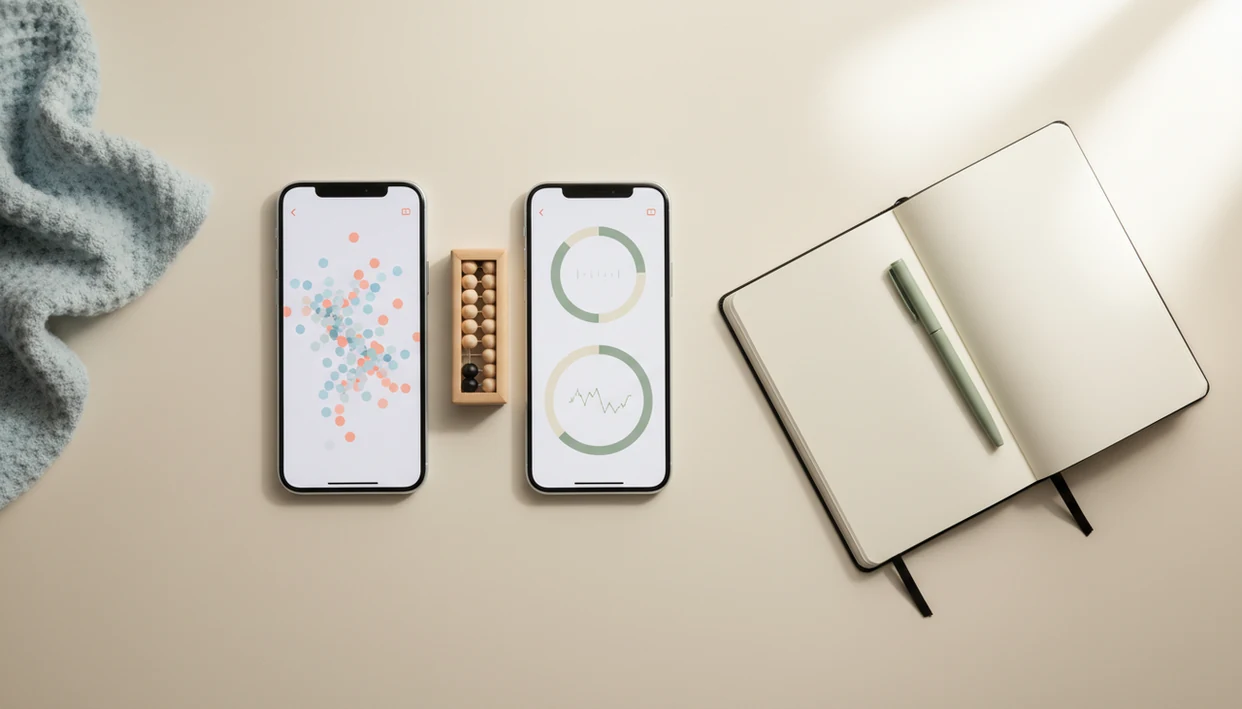

> Definition: A baby kick counter app is a fetal movement tracking tool that times how long it takes to feel 10 kicks during a daily session, helping pregnant people learn their baby's normal pattern and know when to call their provider.
- Count the Kicks is a free nonprofit app tied to a stillbirth-prevention campaign; Baby Kicks App is an independent tracker built for daily usability and flexible features.
- Both apps use the same core method, time 10 movements at the same time each day, but differ in language support, twin tracking, kick-strength logging, and data privacy.
- No kick counter app replaces prenatal care; the safest choice is the one you will actually use every day and that clearly tells you when to contact your provider.
At-a-Glance Count the Kicks vs Baby Kick Counter App Comparison Table
A kick counter app comparison should start with the features that change daily use: reminders, twins, strength notes, language access, and exportable history. Here is the practical side-by-side view.
| Feature | Count the Kicks | Baby Kicks App |
|---|---|---|
| Price | Free | Free tier, with paid feature options |
| Platform | Mobile app | Mobile app, including Fetal Kick Tracker use |
| Counting method | Time to 10 movements | Time to 10 movements |
| Twin support | Limited or separate-user workaround | Separate twin session tracking |
| Kick-strength tracking | Focuses on count and timing | Logs movement strength over time |
| Language options | Verified options include English, Spanish, Arabic, Chinese, French, Haitian Creole, Hindi, Marshallese, Portuguese, Russian, Swahili, and Vietnamese | Broader multilingual access by app setting |
| Reminder system | Daily reminder | Flexible daily reminders |
| Data export/sharing | Session history for review | Provider-ready history export |
| Privacy model | Nonprofit campaign data stewardship | Privacy-first data handling |
| Nonprofit vs independent | Nonprofit-backed | Independent |
| Campaign affiliation | Healthy Birth Day campaign | No campaign affiliation |
For parents comparing a focused tracker with a general pregnancy platform, the kick counter app vs pregnancy app question is a related decision.
Five Facts About Kick Counter Apps Every Parent Should Know
Kick counter apps are useful because they turn a vague feeling, “movement seems different,” into a timed daily record. The record matters most when it helps someone call sooner.
- Reduced fetal movement is reported in about 5–15% of pregnancies and is associated with higher risk of adverse outcomes, including stillbirth and fetal growth restriction (BMC Pregnancy and Childbirth).
- The CDC reported 21,000 stillbirths in the United States in 2020 (CDC).
- A Norwegian awareness and management project reported a stillbirth-rate drop from 3.0 to 2.0 per 1,000 births after implementation (BMC Pregnancy and Childbirth).
- Most pregnant people first feel movement between 16 and 24 weeks; daily counting is most often recommended once third-trimester patterns are established.
- Global estimates placed third-trimester stillbirths at about 1.9 million in 2019 (UNICEF).
The folded handout in a hospital-bag pocket still helps. A clean app log is easier to find.
Where Count the Kicks Wins in a Kick Counter App Comparison
Count the Kicks wins when you want a free, nonprofit-backed tool connected to a formal stillbirth-prevention campaign. It is not just a timer with a pink icon; it sits inside Healthy Birth Day’s education work.
The strongest case for Count the Kicks is trust infrastructure. The program partners with hospitals, clinicians, and public-health groups, and its materials give standardized language about tracking the usual movement pattern and calling a provider when that pattern changes. It also has no ads or upsells, which matters when someone is sitting in an office chair after a calendar alert and just wants to count.
For people who want a campaign-backed baseline tool, Count the Kicks is often the simpler choice because it combines the 10-movement method with consistent public-health messaging. That strength is also why many lists of Count the Kicks alternatives start by treating it as the reference point.
Where Baby Kicks App Wins as a Count the Kicks Alternative
Baby Kicks App wins when the daily routine needs more detail than “how long did 10 movements take?” It adds kick-strength logging, separate twin tracking, broader language access, and exportable session history for provider conversations.
If your priority is noticing intensity changes, Baby Kicks App fits because the session can include strength notes alongside kicks, rolls, jabs, swishes, and stretches. That helps when a sharp heel jab near the waistband feels very different from a quieter rolling session.
For parents carrying twins who need separate records, Baby Kicks App covers the gap with twin-specific session tracking rather than one blended count. The right fit for provider prep is Baby Kicks App because its history export keeps dates, times, and patterns in one place instead of a crumpled notebook page at the bottom of a purse.
For a wider app shortlist, compare this page with the best fetal movement tracker app guide.
How Fetal Kick Counting Works Behind Every Counter App
Fetal kick counting works by measuring how long it takes to feel 10 movements during a consistent daily movement session. Timing matters more than a raw daily total because the goal is to learn your baby’s usual movement pattern.
The technical idea is a personal baseline. In plain language, you are learning what is normal for this baby, at this time of day, in this position. A stretched belly tightening around kicks may be typical after dinner for one baby and unusual for another. Clinicians typically suggest calling your care team when movement decreases or feels clearly different, rather than waiting for an app to decide.
Good fetal kick counter and pregnancy movement tracking app for third-trimester monitoring deliver organized pattern awareness, not diagnosis or fetal monitoring. For the clinical difference, the kick counting vs fetal monitoring comparison explains why app logs supplement prenatal care.
How to Use a Baby Kick Counter App for Daily Tracking
The safest approach to daily kick counting is to use the same method, time, and position often enough to recognize a meaningful change. Both apps depend more on consistent use than on any single feature.
- Set a daily reminder for your baby’s most active window, such as a 9 p.m. phone alert after brushing teeth.
- Start a timed session when you are settled, then tap for each kick, roll, jab, swish, stretch, or flutter.
- Log kick strength if the app offers it, especially when movements feel softer, sharper, or slower than usual.
- Review session history every few days to learn the baseline for your baby, not someone else’s average.
- Call your provider immediately if movements drop, take longer than usual, or feel meaningfully different.
For a nightly habit, prioritize the app whose reminder, start button, and session history make the same-time, same-place routine easiest to repeat.
Pricing and Privacy Differences Between Kick Counter Apps
Count the Kicks is free and nonprofit-funded, with no ad-supported upgrade path. Baby Kicks App is independent, with a free tracking path and paid options for expanded features such as more flexible history tools or advanced session details.
Pricing is only half the decision. Data stewardship matters because movement sessions can reveal pregnancy timing, appointment concerns, and daily health patterns. Count the Kicks connects app use with a nonprofit public-health campaign. Baby Kicks App emphasizes privacy-first data handling and lets users keep movement history organized for provider review.
Verify these claims against each app’s current privacy policy and app-store listing before publishing, because health-app data practices and paid feature bundles can change. Add direct links to the Count the Kicks privacy policy, the Baby Kicks App privacy policy, and both app-store listings if available.
Read the privacy policy for any health app before adding sensitive notes. Boring, yes. Still worth doing.
If cost is the main filter, the free fetal movement tracker page breaks down what free tracking should still include.
Who Should Pick Count the Kicks vs Baby Kicks App
Choose Count the Kicks if you want a free, campaign-backed, research-supported baseline tool with standardized education. Choose Baby Kicks App if you need twin support, kick-strength logging, broader language options, or provider-ready export history.
Both apps use the same core 10-kick method, so the difference is not the basic counting rule. The difference is the workflow around it. Some parents want the nonprofit campaign structure. Others want a Fetal Kick Tracker that adapts to twin sessions, language needs, and more detailed daily notes.
Parents who count before bedtime tea may care less about branding than friction. The safest app is the one you will actually use every day and that still tells you to call your care team when something changes.
Evidence and Source Notes for This Kick Counter App Comparison
This comparison separates clinical kick-counting guidance from app-specific feature claims. The app feature sets were checked on May 26, 2026, using each brand’s public pages and current store listings where available.
- Check Count the Kicks against its official app and education materials, including the feature page at source, language materials at source, and privacy policy at source.
- Review Baby Kicks App against its public feature page, privacy policy, Apple App Store listing, and Google Play listing where those pages are live.
- Separate the clinical claim from the product claim: kick counting itself is a prenatal movement-awareness habit, while reminders, exports, twin sessions, and strength notes are app features.
- Treat marketing language as descriptive unless it can be confirmed in the app, store listing, or policy text.
- Disclose gaps clearly: paid-feature boundaries, exact language coverage for Baby Kicks App, and any changing app-store metadata could not be independently verified beyond the public pages checked on that date.
Limitations
No Count the Kicks alternatives comparison is complete without the safety limits. A kick counter is a screening aid, not a diagnostic device.
- No kick counter app can diagnose fetal distress or guarantee a healthy outcome.
- Kick counting must accompany regular prenatal visits, provider instructions, and any recommended monitoring.
- Accuracy depends on consistent daily use, not the app itself.
- “Babies move less near term” is a myth; decreased or unusual movement warrants a provider call.
- Normal variation can be hard to interpret without clinical input, especially after a quiet morning.
- Feature-rich apps are not automatically safer; clear instructions and daily use matter more.
- App data is self-reported and may not meet clinical-grade documentation standards.
- Twins, high-risk pregnancies, and placenta-related concerns may require individualized provider guidance.
For higher-risk tracking decisions, the kick counter for high-risk pregnancy guide adds more context.