
Do Kick Counter Apps Actually Help With Fetal Movement Awareness?
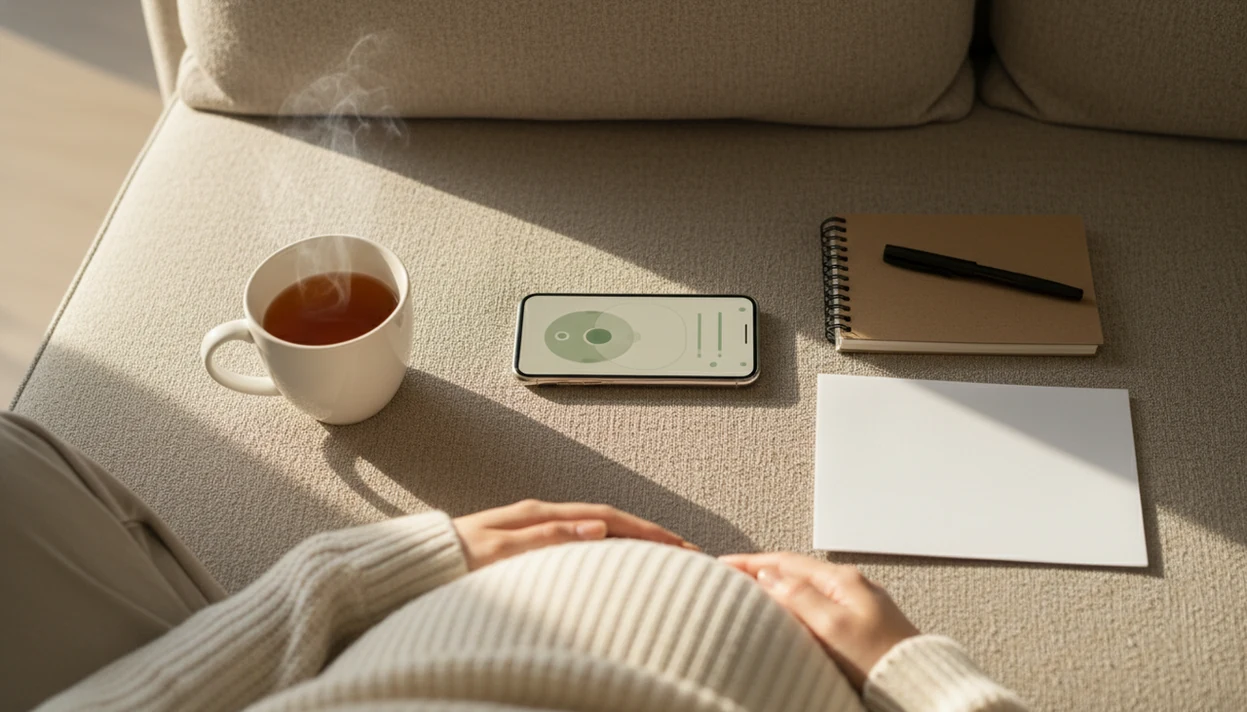
Yes, do kick counter apps actually help with awareness by making fetal movement tracking easier, more consistent, and easier to review over time. They are useful as reminder and logging tools, but they cannot diagnose fetal wellbeing or replace calling your provider when movement changes.
> Definition: Baby Kicks App is a baby kick counter app that helps pregnant people count kicks, track movement patterns, and know when to call their provider.
TL;DR
- Kick counter apps are most useful for building a consistent third-trimester movement tracking habit.
- The main value is noticing changes from your baby’s usual pattern, not treating one number as a diagnosis.
- A baby kick app can organize timers, reminders, and logs, but concerning movement changes still need clinician guidance.
Do kick counter apps actually help with fetal movement awareness?
Quick answer: Kick counter apps help most with reminders, timing, and organized logs. They do not test fetal health, diagnose problems, or prove that a baby is well.
The strongest use case is third-trimester pattern awareness. If you count at roughly the same time each day, the app can help you notice when today feels different from your baby’s usual movement pattern. That might mean fewer rolls, weaker jabs, no swishes, or a sudden change in timing.
The couch-after-dinner routine is common for a reason. Phone timer open, feet up, taps counted. Simple.
Clinicians typically recommend contacting your maternity care team promptly for reduced, stopped, or suddenly different movement; NHS guidance says to call your midwife or maternity unit immediately if your baby’s movements slow down, stop, or change source. A good log can support that call, but it should not delay it.
At-a-glance baby kick app benefits and limits
- Consistent daily habit support: A reminder makes the daily kick count routine easier to remember, especially late in pregnancy when appointments, sleep, and work all pile up.
- Automatic timing and dated logs: Apps can record session length, movement count, date, and time without rewriting the same details in a notebook.
- Clearer provider conversations: A dated history helps you say, “Yesterday took 18 minutes, today felt weaker after 40,” instead of guessing from memory.
- False reassurance is possible: A normal count can still be misleading if your instincts say the movement feels wrong or unusually quiet.
- Apps cannot explain the change: They record user-entered movement; they cannot tell whether fetal sleep, placenta position, illness, or another issue is involved.
Baby kick app benefits are practical, not diagnostic. Good fetal kick counter and pregnancy movement tracking app for third-trimester monitoring deliver organized awareness, not medical certainty.
How kick counter apps work behind the scenes
A kick counter app works by recording user-reported fetal movements during a timed session; it does not measure the fetus directly.
You start a movement session, then tap each time you feel movement your provider has told you to count. That may include kicks, rolls, jabs, stretches, swishes, or flutters. The app stores timestamped counts, session duration, daily history, and reminder settings. Some people keep a notebook backup on the nightstand, but the phone log is harder to lose than a loose paper page.
The behavioral science piece is simple habit design. Reminders reduce forgetfulness, and repeated logs support pattern recognition. In plain language, the app helps you do the same small task often enough that changes stand out.
Tools like Baby Kicks App can be useful when the goal is a simple log, same time, same place, without turning kick counting into a general pregnancy feed.
How to use a kick counter app safely
Use a kick counter app as a structured log, not as a medical test. The safest routine is the one your care team has already recommended, especially if you have a high-risk pregnancy or special instructions.
- Choose the daily counting window your provider suggests, then keep it as consistent as you can so today’s session is easier to compare with your usual pattern.
- Settle somewhere quiet, sitting or lying on your side if that is comfortable, and start the app timer before you begin counting.
- Tap only the movements your clinician told you to include, such as kicks, rolls, jabs, stretches, swishes, or flutters.
- Save the session with the date, time, total count, session length, and any notes that may help later, like “felt weaker” or “after dinner.”
- Call your provider promptly if movement is reduced, stopped, unusually weak, or just different from what feels normal for your baby.
The log is there to make the conversation clearer, not to decide whether the call is needed.
Why kick counter apps are useful for third-trimester patterns
Why are kick counter apps useful in the third trimester? They help you compare today’s movement session with your baby’s usual movement pattern during the part of pregnancy when movement awareness is most often emphasized.
The point is not a universal magic number. The point is change. A baby who usually reaches a familiar pattern quickly but suddenly does not may need a provider’s advice, even if an app screen looks tidy.
Per the CDC, the U.S. stillbirth rate at 28 weeks or more was 4.84 per 1,000 births in 2021 source, which is one reason late-pregnancy awareness gets attention. A large 77,155-pregnancy analysis also linked reduced fetal movement with higher rates of adverse outcomes, including stillbirth risk source.
For third-trimester tracking, the most common medically supported approach is noticing reduced or unusual movement and contacting the care team promptly.
When to call your provider about fetal movement
Call your provider promptly if your baby’s movement is reduced, stopped, weaker than usual, or suddenly different from the pattern you know. Do not wait for another app session, reminder, or “better-looking” count to feel reassured.
A kick counter log can make the call clearer, but it should not become a gatekeeper. Your local maternity unit’s instructions come first, especially if they have given you a specific number to use, a same-day triage line, or different guidance because of your pregnancy history.
- Call your provider, midwife, maternity unit, or the number on your care instructions as soon as the movement change concerns you.
- Describe what changed in plain language, such as fewer movements, weaker rolls, no movement, or a pattern that feels unlike your baby.
- Share the logged date, time, session length, count, and any note you saved, including what you were doing when you noticed the change.
- Follow their instructions over any app prompt, timer, streak, or reminder.
- Use emergency services if your provider or maternity unit tells you to seek immediate evaluation.
The app helps you explain the concern. The care team decides what should happen next.
Baby kick app benefits that paper notes often miss
Apps can time sessions automatically, send reminders, and keep dated history in one place. Paper notes can work too, but they are easier to misplace, especially when the “log” becomes a crumpled notebook page at the bottom of a purse.
| Method | What it does well | Where it can fall short |
|---|---|---|
| App timer | Starts and stops a movement session cleanly | Still depends on what the user feels and enters |
| Daily reminder | Helps count at a consistent time | Can annoy users who already feel anxious |
| Dated app history | Makes trends easier to review | Does not interpret medical meaning |
| Paper chart | Simple, private, battery-free | Can be lost, smudged, or hard to compare |
| Memory only | Takes no setup | Often misses exact times and changes |
A partner may also find an organized log easier to understand. The shared glance after the tenth tap can be reassuring, but the history matters more than the moment. For a deeper format comparison, the kick counter app vs paper chart discussion covers tradeoffs without treating one method as medically superior.
Common myths about whether kick counter apps are useful
Five common myths can make kick counter apps seem either more reassuring or more frightening than they are. The safer middle ground is to use the app for awareness, then follow provider’s instructions when movement changes.
Myth: the app checks fetal wellbeing
An app does not check fetal wellbeing. It records taps from the user, so it cannot replace fetal monitoring, clinical assessment, or advice from a maternity unit.
Myth: one count tells the whole story
One count does not explain the whole pattern. Fewer than 10 movements does not automatically define an emergency in every method, and a normal count does not erase a real concern.
Other myths matter too. Kick counting is not equally useful throughout pregnancy; it is mainly a third-trimester awareness tool. Apps alone are also not proven to prevent stillbirth. If you are comparing focused tracking with broader pregnancy apps, the kick counter app vs pregnancy app page explains why fewer features can sometimes make the routine clearer.
Evidence nuance for fetal movement tracking apps
- Stillbirth is uncommon but serious: Per CDC national vital statistics data, the U.S. overall stillbirth rate was 5.53 per 1,000 total births in 2021.
- Reduced fetal movement matters: A 77,155-pregnancy analysis reported an association between reduced fetal movement and higher adverse outcome rates.
- Prevention evidence is mixed: The AFFIRM trial included 403,116 births and found that a bundled awareness-and-management approach did not significantly reduce stillbirth overall source.
- Awareness still has value: A log can help you describe what changed, when it changed, and whether it repeated.
- Causation should not be overstated: App use is a tracking behavior, not proof that an outcome will improve.
For most users, a movement log is often easier than memory because it preserves the date, session length, and count during a stressful call.
The evidence is about fetal movement awareness and clinical response, not about any single app proving better outcomes. Treat app data as a clearer way to describe symptoms, not as a screening result.
That detail helps.
Limitations
Kick counter apps have real boundaries. They can support third-trimester tracking, but they should never become the reason someone waits to call.
- Kick counter apps cannot diagnose fetal health or confirm fetal wellbeing.
- Apps cannot tell why movement changed, even when the log clearly shows a difference.
- Normal counts can create false reassurance if you still feel something is wrong.
- Natural fetal sleep cycles can make movement vary, which may increase anxiety for some users.
- Evidence does not prove that an app alone prevents stillbirth.
- Kick counting is mainly a third-trimester awareness tool, not a full-pregnancy monitoring system.
- Urgent movement concerns require contacting a clinician, not waiting for another app session.
- Twins, high-risk pregnancy, placenta position, and provider-specific plans may change how tracking should be done.
If your care team has given you special instructions, follow those first. A folded kick count handout tucked into a hospital bag still outranks any app screen.
FAQ
Are kick counter apps useful?
Yes, kick counter apps are useful for consistency, reminders, timed sessions, and dated logs. They are not diagnostic tools.
Can a kick app detect problems?
No, a kick app cannot detect medical problems. It only records movement that the user enters.
When should I start kick counting?
Kick counting is most commonly used in the third trimester. Follow your provider’s instructions on when to start and how often to count.
What counts as a baby kick?
Countable movement may include kicks, rolls, jabs, flutters, swishes, or stretches. Use the movement rules your clinician gives you.
Is ten kicks always required?
No, methods vary, and ten kicks is not the only possible standard. The key issue is change from your baby’s usual movement pattern.
Should I call for reduced movement?
Yes, reduced, stopped, or suddenly different movement should be discussed with a provider promptly. Do not wait for an app to reassure you.
Can kick counting cause anxiety?
Yes, kick counting can reassure some users and worry others. Movement naturally varies, so provider guidance matters.
Do apps prevent stillbirth?
Apps may support awareness and better logging, but they are not proven by themselves to prevent stillbirth. Baby Kicks App should be used as a tracking aid, not a medical safety guarantee.