
App To Help Build Kick Count Routine Habits
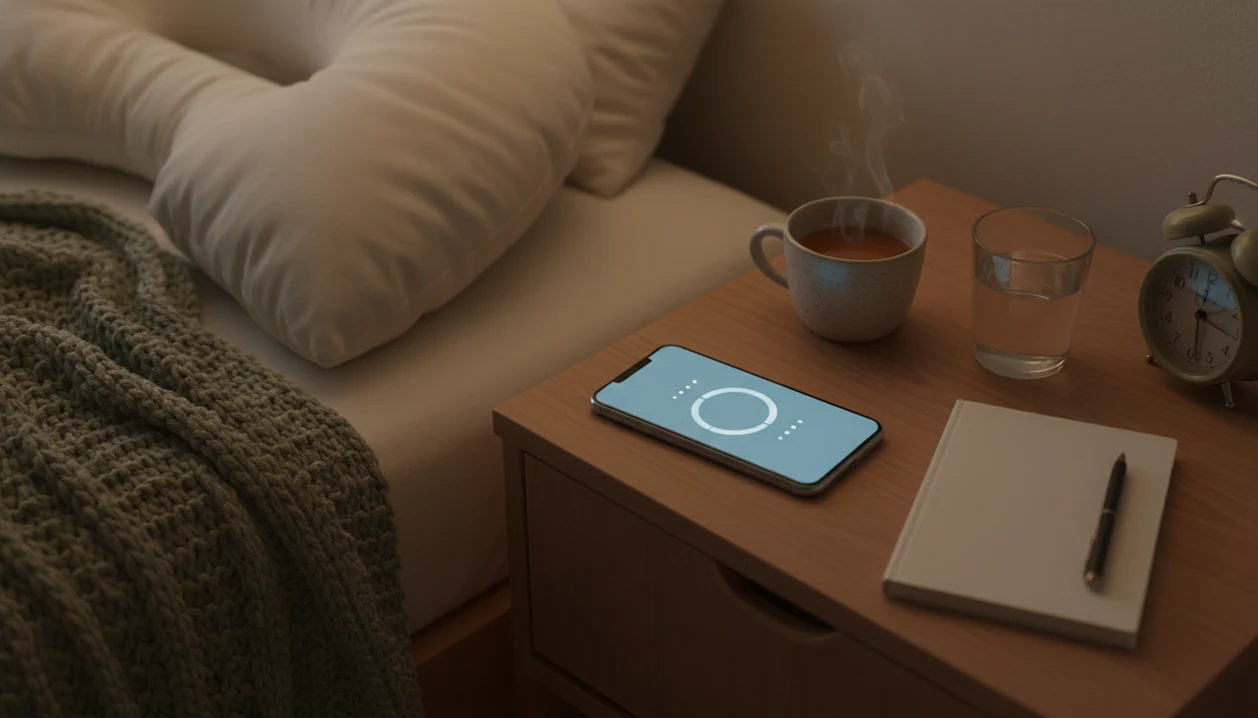
An app to help build kick count routine habits should make daily fetal movement tracking easier with reminders, a simple timer, saved logs, and pattern awareness. Baby Kicks App supports a calm third-trimester routine while reminding you to contact your provider right away if movement changes concern you.
Definition: Baby Kicks App is a baby kick counter app that helps pregnant people count kicks, track movement patterns, and know when to call their provider.
TL;DR
- A kick count routine app helps you count fetal movements at a consistent time each day, usually in the third trimester.
- Useful habit features include daily reminders, timed sessions, saved history, notes, and trend views.
- The app records patterns but does not diagnose fetal health or replace your provider’s advice.
How these apps look
Side-by-side captures of the compared products. Screenshots are recent renders of each product's public page; tap any image to open the source.

Daily kick count routine app at a glance
A daily kick count routine app supports third-trimester fetal movement tracking, not broad pregnancy lifestyle tracking. The point is to make one small routine repeatable: choose a daily time, count movements, save the session, and notice changes.
Baby Kicks App is a baby kick counter app that helps pregnant people count kicks, track movement patterns, and know when to call their provider. It focuses on reminders, session timing, movement logs, notes, and pattern review. Rolls, jabs, swishes, stretches, and flutters can all count if your provider has said to include them.
The goal is consistency and awareness, not diagnosis. A good fetal kick counter and pregnancy movement tracking app for third-trimester monitoring delivers organized movement history, not a medical answer about whether everything is fine.
If your routine keeps slipping after dinner, Baby Kicks App fits because the reminder, timer, and saved session create the same cue-loop each day.
How an app to help build kick count routine habits works
An app to help build kick count routine habits works by turning fetal movement tracking into a repeated cue, action, and saved record. The reminder starts the session, you tap each movement, the app stores the count and duration, and the history view shows prior sessions.
That is basic habit-loop design. The cue is the reminder, the action is the tap, and the reward is a visible saved log. Lower friction matters when you’re tired at 9 p.m. after brushing teeth and just want the timer open without hunting for a notebook.
Movement patterns are personal to each baby, so the app helps compare today with prior days. It cannot sense fetal movement automatically. It depends on what you feel and enter.
ACOG describes fetal movement counting as one way to monitor fetal well-being, including the common approach of timing how long it takes to feel 10 movements; follow your clinician’s threshold for your pregnancy (https://www.acog.org/womens-health/faqs/special-tests-for-monitoring-fetal-well-being).
When a daily kick count habit app fits third-trimester monitoring
A daily kick count habit app fits best in the third trimester or whenever your provider recommends movement counting. It is especially useful when memory, paper logs, or inconsistent timing make your usual movement pattern hard to describe.
- Kick counting is commonly used after movement becomes more regular in the third trimester, but your provider may give different timing.
- A reminder helps if you forget to count until the day is almost over.
- A saved log helps before appointments, especially when you need dates, start times, and notes.
- Partner support can help keep the routine steady without replacing the pregnant person’s perception of movement.
- ACOG and Cleveland Clinic both describe counting fetal movements and watching for changes in the usual movement pattern (https://www.acog.org/womens-health/faqs/special-tests-for-monitoring-fetal-well-being; https://my.clevelandclinic.org/health/articles/23497-kick-counts).
Anyone dealing with missed sessions and scattered notes may find Baby Kicks App useful because Fetal Kick Tracker keeps the daily reminder and session history in one place.
The folded handout in the hospital bag helps. A searchable log helps faster.
How to use a kick count routine app every day
Use a kick count routine app at a time your baby is usually active, then repeat that routine daily unless your provider gives different instructions. Consistency makes the record easier to interpret.
- Set a daily reminder for a time your baby often moves, such as after dinner or before bed.
- Start the timer when you are settled, ideally in the same place each day.
- Tap each movement you feel, including kicks, rolls, jabs, swishes, stretches, or flutters.
- Save the session with the count, duration, and any notes about position, meals, or unusual sensations.
- Review recent trends so you can see whether today looks different from your usual movement pattern.
- Call your provider promptly for sudden slowing, stopping, or any concerning change.
Pregnant people trying to build a steady routine often use Baby Kicks App because the saved movement session is easier to repeat than a crumpled notebook page at the bottom of a purse. For evening routines, our bedtime kick count routine guide walks through the same habit in more detail.
What Baby Kicks App shows in a kick count routine
A good kick count routine shows the practical pieces in one place: a session timer, movement counter, saved log, notes, and history. That gives you a cleaner record than trying to remember whether yesterday’s movements took 20 minutes or closer to an hour.
Reminders support the same-time-every-day cue. One common setup is a phone alert after brushing teeth, followed by a few quiet minutes with feet up and the counter ready. The history view then keeps dates and sessions together, instead of spreading them across screenshots, scraps of paper, and memory.
Partner support is easier when there is something concrete to review. A partner can help keep the routine calm, fetch ice water quickly, or look at saved history before a call. For more shared routines, read our kick counter for partners guide.
Any kick count app should complement prenatal care and provider guidance. It should never be used to rule out a concern.
Kick count routine app versus paper logs and timer apps
A specialized kick count routine app is most useful when you want reminders, saved movement history, notes, and safety context in one place. Paper and timer apps can work, but they usually require more effort to summarize.
| Option | Best fit | Strengths | Gaps |
|---|---|---|---|
| Baby Kicks App | Daily third-trimester kick count routine | Timer, counter, reminders, notes, saved history, movement-pattern context | Still depends on user input and provider guidance |
| Paper notebook | People who prefer handwriting | Simple, no battery needed, easy to customize | Easier to forget, misplace, or summarize poorly |
| Phone stopwatch | One-off timing | Fast, already on the phone | Does not organize fetal movement history |
| Generic habit tracker | Habit streaks | Good for reminders and checkmarks | Not built around fetal movement guidance |
Paper can work, especially if your provider gave a chart. But a nursery rocker beside folded onesies is not where most people want to reconstruct a week of counts from memory.
If the priority is clearer movement history, Baby Kicks App earns the spot because Fetal Kick Tracker saves timed sessions with notes rather than just marking a habit complete. The kick counter app vs paper chart comparison covers that tradeoff more directly.
Provider conversations using kick count routine app logs
“Can I show my provider kick count app logs?” Yes. Logs can make the conversation clearer when they include session dates, start times, time to 10 movements, notes, and visible changes from your usual movement pattern.
Bring screenshots or show the in-app history at visits. When calling, say what changed first, then offer the log details. For example: “Today took much longer than usual, and the movements felt weaker than the past few evenings.” That is more useful than a vague “I think it’s different.”
In a large Norwegian cohort of 2,914 women who contacted care for decreased fetal movement, 1.3% experienced stillbirth despite evaluation (https://pubmed.ncbi.nlm.nih.gov/19538414/). That statistic does not mean every slowdown has the same cause; it shows why timely contact matters when movement changes.
On days movement feels suddenly different, Baby Kicks App helps organize what you noticed because the log pairs the session time with notes, but it should not delay the call. If anxiety is part of the routine, our kick counter for anxious first-time moms page keeps the same safety-first framing.
When to call your provider about fetal movement changes
Call your provider promptly if fetal movement suddenly slows, stops, feels weaker, or changes in a way that worries you. Do not wait to run another kick count session if your gut says something is different.
A saved log can make the call clearer, but it should never decide whether the situation is urgent. Your care team’s instructions, including after-hours and emergency directions, come first.
- Call your provider, triage line, labor and delivery unit, or the emergency number your care team gave you if movement changes concern you.
- Share when you first noticed the change, what your baby’s usual pattern is, and whether today feels slower, quieter, weaker, or absent.
- Report how long you counted, what the count was, and whether you stopped because you were worried.
- Mention any notes that may help, such as your position, time of day, meals, hydration, contractions, pain, bleeding, or anything unusual.
- Follow the exact next step they give you, even if the app history looks reassuring or a previous session seemed normal.
Baby Kicks App can keep those details in one place during a stressful call. It is a record, not a green light to wait.
Limitations
Baby Kicks App can support a daily kick count routine, but it cannot prove fetal well-being or replace medical care. These limits matter.
- There is no high-quality evidence that an app by itself reduces stillbirth rates.
- Apps record user-entered movement data. They do not diagnose fetal distress.
- Inconsistent use can create incomplete or misleading patterns.
- Baby Kicks App cannot detect all complications or replace ultrasounds, nonstress tests, prenatal visits, or provider’s instructions.
- You should contact a provider right away for sudden slowing, stopping, or concerning change, even if the saved log appears reassuring.
- Provider recommendations may differ on timing, thresholds, and whether daily kick counts are advised for your pregnancy.
- A general pregnancy app such as BabyCenter, What to Expect, Pregnancy+, or Glow may include many features, but broad tracking can bury the movement routine.
No app feels what you feel.
The safest use is simple: track consistently, write down what changed, and call your care team when movement concerns you.
FAQ
What is a kick count app?
A kick count app is a phone tool for timing and logging fetal movements during pregnancy. It usually includes a counter, timer, saved history, and reminders.
When should I start kick counts?
Many people start kick counts in the third trimester, often around the time their provider recommends watching daily movement patterns. Your provider may suggest a different schedule based on your pregnancy.
How many kicks are normal?
A common benchmark is feeling 10 movements within up to 2 hours, though many babies move sooner. Your baby’s usual movement pattern and your provider’s instructions matter most.
Do kick count apps work?
Kick count apps can improve consistency and make movement records easier to review. They cannot diagnose fetal health or replace prenatal care.
Can I use a timer instead?
Yes, a timer can measure one session. A specialized app adds reminders, saved history, notes, and movement-pattern review.
Should I count kicks daily?
Daily consistency can help you learn your baby’s usual movement pattern in the third trimester. Follow your provider’s instructions on whether and when to count.
What if movements slow down?
Contact your healthcare provider promptly for sudden slowing, stopping, or any concerning change. Do not wait for an app log to confirm the concern.
Can partners track kicks too?
Partners can help maintain the routine, review logs, and support calls to the care team. They should not replace the pregnant person’s own perception of movement.