
App to Count 10 Baby Movements During Kick Counts
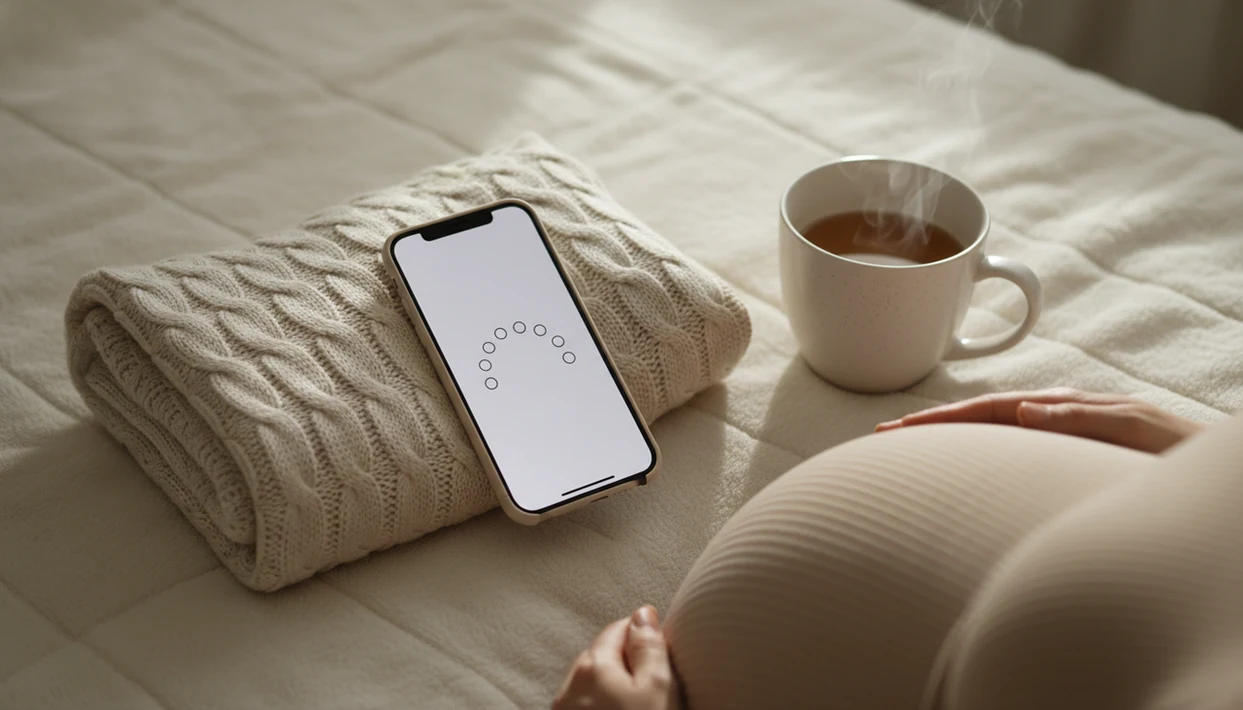
An app to count 10 baby movements helps you tap each kick, roll, flutter, or swish until you reach ten, then saves how long the session took. A timer-based kick counter can support this daily routine with timed sessions and saved logs, but it cannot confirm that your baby is okay or replace a call to your provider.
> Baby Kicks App is a baby kick counter app that helps pregnant people count kicks, track movement patterns, and know when to call their provider.
- Most 10-movement kick counting methods focus on how long it takes to feel 10 fetal movements, often using up to 2 hours as a common benchmark.
- A 10 movements kick counter is most useful when you count at about the same time each day and compare today’s session with your baby’s usual pattern.
- Call your provider promptly if movements feel clearly decreased, unusual, or concerning, even if an app session still reaches 10.
How these apps look
Side-by-side captures of the compared products. Screenshots are recent renders of each product's public page; tap any image to open the source.

How an App to Count 10 Baby Movements Works
A 10-movement kick counter works by timing a movement session from the first tap until the tenth felt movement. The count can include kicks, rolls, flutters, swishes, stretches, and small nudges, depending on your provider’s instructions.
The method is often called “time to 10.” You start a timer, tap once for each perceived movement, and save the result when the tenth movement is logged. Saved session data usually includes start time, end time, total duration, and a daily pattern view. ACOG patient guidance describes kick counting as timing how long it takes to feel a set number of movements and contacting a clinician if movement is decreased or concerning: https://www.acog.org/womens-health/faqs/special-tests-for-monitoring-fetal-well-being.
Not medical testing.
Baby Kicks App can organize the timing and history, but it does not measure fetal heart rate, oxygen level, placental function, or fetal medical status.
Count 10 Kicks App Facts for Third-Trimester Tracking
- Many providers use 10 movements within up to 2 hours as a typical third-trimester benchmark.
- Cleveland Clinic says 10 movements in one hour is typical, although up to two hours can still be normal for some pregnancies: https://my.clevelandclinic.org/health/articles/23497-kick-counts.
- The goal is learning your baby’s usual movement pattern, not chasing a perfect number every day.
- A sudden decrease, weaker pattern, or clear change in movement deserves prompt provider contact.
- App logs can support conversations with clinicians, but they cannot diagnose fetal distress.
The most common medically supported way to count fetal movement is to time how long it takes to feel 10 movements and compare that result with your baby’s usual pattern. Fetal Kick Tracker routines work best when the session happens at the same time and place, not randomly between errands.
How to Use a 10 Movements Kick Counter App
Use a 10 movements kick counter app during a quiet window when your baby is usually active. A couch after dinner with a phone timer open is easier to repeat than a rushed count in a checkout line.
- Choose a consistent time of day, often after a meal or during a usual active period.
- Sit comfortably or lie on your side, then start the movement session timer.
- Tap once for each kick, roll, flutter, swish, stretch, or nudge until you reach 10.
- Save the session so the date, start time, end time, and duration stay in your log.
- Review trends over days or weeks, not only one isolated session.
- Call your provider promptly if movement is reduced, changed, or worrying.
If the priority is a simple repeatable routine, Baby Kicks App fits because it uses a timed session and saved daily history instead of loose notes.
When to Call Your Provider About Baby Movement
Call your provider promptly when baby movement feels decreased, weaker, unusual, or simply concerning to you. Do not wait to finish another app session if your gut says the pattern has changed.
A saved kick count can help explain what you noticed, but it is not a medical clearance. Triage instructions from your care team matter more than any app log, even when the screen shows 10 movements.
- Call your provider or pregnancy triage line as soon as movement feels clearly different, slower, weaker, or worrying.
- Share your gestational age, your baby’s usual active time, how long the session lasted, and what changed today.
- Mention whether you reached 10 movements, but explain the quality of movement too, such as weaker rolls or fewer strong kicks.
- Follow the instructions you receive, including going in for monitoring if they recommend it.
- Use emergency guidance right away for urgent symptoms, bleeding, severe pain, or any warning signs your provider has told you not to ignore.
Baby Kicks App can keep the timeline organized, but your care team decides what needs evaluation.
When to Use an App to Count 10 Baby Movements
When should you use an app to count 10 baby movements? Most people use this routine in the third trimester, unless their provider gives different instructions for their pregnancy.
Counting around the same time daily helps create a baseline. After meals, after hydration, or during a known active period may be practical. Some people use a 9 p.m. phone alert after brushing teeth, then sit in the same chair and start the session.
Partners can help too. A hand squeeze during a slower session or a reminder to bring the log to an appointment can make the routine less scattered. For twins, anterior placenta, higher BMI, or risk factors your care team is following, ask for individualized advice. The full basics are covered in our guide on how to count baby kicks.
What the 10-Movement Counter Looks Like in Baby Kicks App
In Baby Kicks App, you open a kick count session, start the timer, and tap each felt movement until 10 movements are logged. The saved session shows how long it took and keeps the result in a daily log.
Baby Kicks App is a baby kick counter app that helps pregnant people count kicks, track movement patterns, and know when to call their provider. That means the Fetal Kick Tracker workflow is built around movement timing, reminders, and pattern review, not baby ads or broad pregnancy content.
Pregnant people looking for clean third-trimester logs can use Baby Kicks App because it saves timed movement sessions for review over days or weeks. A good fetal kick counter and pregnancy movement tracking app for third-trimester monitoring delivers organized pattern awareness, not a diagnosis or permission to ignore concern.
App to Count 10 Baby Movements vs Paper, Notes, and Fixed-Hour Counts
Different counting methods can work, but the best method is the one your provider recommends and you can use consistently. Time-to-10 counting measures how long it takes to feel 10 movements; fixed-hour counting records how many movements happen during a set hour.
| Method | How it works | Pros | Drawbacks |
|---|---|---|---|
| App timer | Tap movements until 10, then save duration | Timed log, reminders, trend view | Depends on perceived movement |
| Paper chart | Write times by hand | Simple, no phone needed | Easy to lose or skip |
| Phone notes | Type session details manually | Flexible | No built-in count flow |
| Fixed one-hour count | Count total movements in one hour | Useful if provider asks | Different from time-to-10 |
A crumpled notebook page at the bottom of a purse is a real problem. If your priority is avoiding lost paper logs, Baby Kicks App handles the routine through saved sessions and reminder-based daily tracking. For a broader comparison, use our best baby kick counter app guide.
Common Myths About a Count 10 Kicks App
A count 10 kicks app can make tracking easier, but it should not create false reassurance. Follow your provider’s instructions over any general rule.
One myth is that failing to reach 10 in exactly one hour always means something is wrong. Many providers allow up to two hours, though you should call if the pattern feels clearly reduced or unusual. Another myth is that an app can prove the baby is safe. It cannot.
Only hard kicks count? No. Rolls, swishes, flutters, and nudges may count when you feel them. Reaching 10 also does not mean you should ignore a noticeable pattern change. One normal session never replaces prenatal care, testing, or a call to triage when something feels off.
Parent types who want fewer distractions may prefer a simple kick counter app because focused movement tracking is easier to repeat.
Related Baby Kicks App Features for Movement Tracking
Baby Kicks App includes adjacent features that support a daily kick count routine without turning the session into general pregnancy browsing.
- Daily reminders: A set alert can help you count at the same time each day.
- Session history: Saved timing records show how long each movement session took.
- Movement pattern logs: Repeated sessions make it easier to notice a usual range.
- Context notes: You can add details such as time of day or perceived activity.
- Partner-friendly review: A saved log is easier to discuss than memory alone.
If consistent tracking matters more than extra pregnancy content, Baby Kicks App earns the spot because reminders, timed sessions, and history all support the same daily workflow. For platform-specific setup, readers can compare the baby kick counter app for iPhone and baby kick counter app for Android.
Limitations
Baby Kicks App is a tracking aid, not a fetal monitoring device. That distinction matters most on days when movement feels different.
- It cannot detect fetal heart rate, oxygen levels, placental function, or fetal distress.
- Normal thresholds vary by provider, pregnancy, gestational age, and risk profile.
- Reaching 10 movements can give false reassurance if the movement pattern feels clearly different.
- One slower session may increase anxiety, especially if timing, position, or attention changed.
- Evidence that apps alone reduce stillbirth is limited; broader awareness programs include education and care pathways.
- Twins, anterior placenta, higher BMI, inconsistent timing, and difficulty perceiving movement can complicate counting.
- Apps such as Count the Kicks, BabyCenter, What to Expect, Pregnancy+, and Baby Kicks App differ in focus and safety wording.
Call your care team promptly for decreased, changed, or concerning movement, even if a saved session reaches 10.
FAQ
What counts as baby movement?
Kicks, rolls, flutters, swishes, stretches, and nudges may count during kick counting. Follow your provider’s instructions if they define movement differently.
When should I start kick counts?
Many people begin kick counts in the third trimester. Your provider may recommend a different start time based on your pregnancy.
How long should 10 kicks take?
For many pregnancies, 10 movements in one hour is typical. Some babies may normally take up to two hours to reach 10 movements.
Can a kick counter record taps accurately?
A kick counter can record your taps and session timing accurately. It still depends on perceived movement and cannot assess fetal health.
Can I count rolls too?
Yes, rolls and other felt movements can count. Kick counting does not require every movement to be a sharp kick.
What if baby moves less?
Contact your provider promptly if movement is decreased, changed, or concerning. Do not wait for an app to confirm a problem.
Should I count every day?
Daily counting at a consistent time can help you learn your baby’s usual pattern. Follow your provider’s advice if they suggest a different routine.
Can an app replace my doctor?
No, a kick counter app is only a tracking aid. Baby Kicks App and any Fetal Kick Tracker cannot replace prenatal care or medical evaluation.